
Articles About Canva How-To
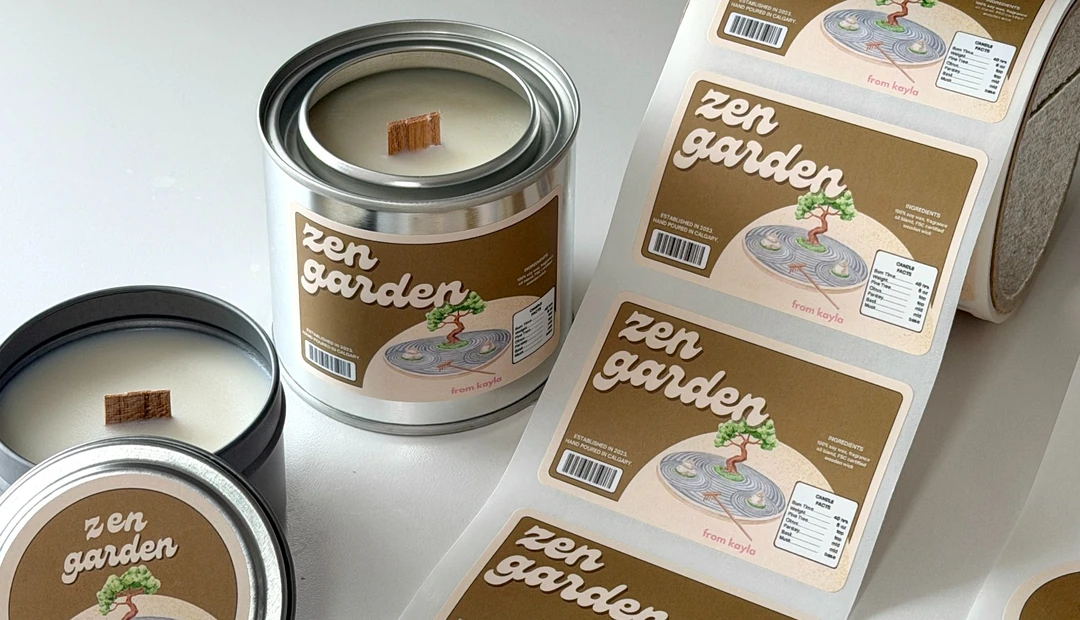
From Kayla
Calgary-based From Kayla was born from a search for Asian-inspired candle scents that founder Kayla couldn’t find elsewhere, including Pineapple Cake, Melon Soda and Zen Garden. Little Rock helps bring each scent to life with consistent, high-quality labels, fast turnaround and the flexibility to print multiple designs in one bulk order.
Latest posts about Canva How-To
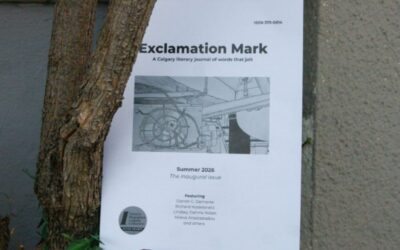
A $125 quote for ten copies almost stopped a Calgary literary journal from printing their first issue. Exclamation Mark found a way to print 50 for about $2 each instead, starting with the right paper and a page count that worked for their binding. Here's how a small, v...
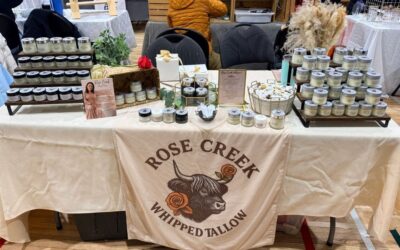
A stranger at a farmer’s or artisan’s market table might not know what tallow skincare is, what it does, or why it costs what it costs. That’s why Alice from Rose Creek Whipped Tallow created pricing and biography cards to answer both questions before she even has...
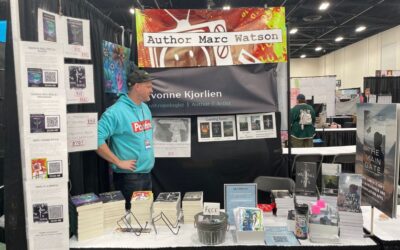
One Canva file. Five different print pieces. That's how a Calgary author walked into the Calgary Expo with a booth that looked fully put together instead of thrown together the night before. Canva’s Magic Switch made her resize-and-export workflow for five different p...
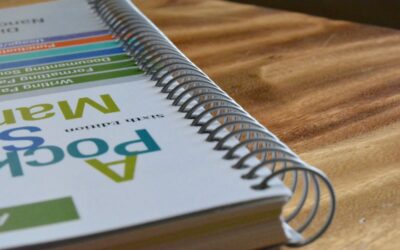
A training manual that's hard to navigate doesn't get used. Getting the layout right in Canva means planning your page hierarchy before you open the canvas, setting binding margins early, and exporting a file that comes back from the printer looking exactly the way it d...

Designing graduation announcements and ceremony programs in Canva isn't complicated, but they're two very different files with different setup requirements. Knowing the difference and getting the Canva settings right can save you time and money in re-printing later.

Designing a pocket folder in Canva takes more setup than a regular print file. You need the right dimensions, bleed on all edges, and a clear understanding of where the pocket flap falls before you start placing content. Get those details wrong, and the file either gets...