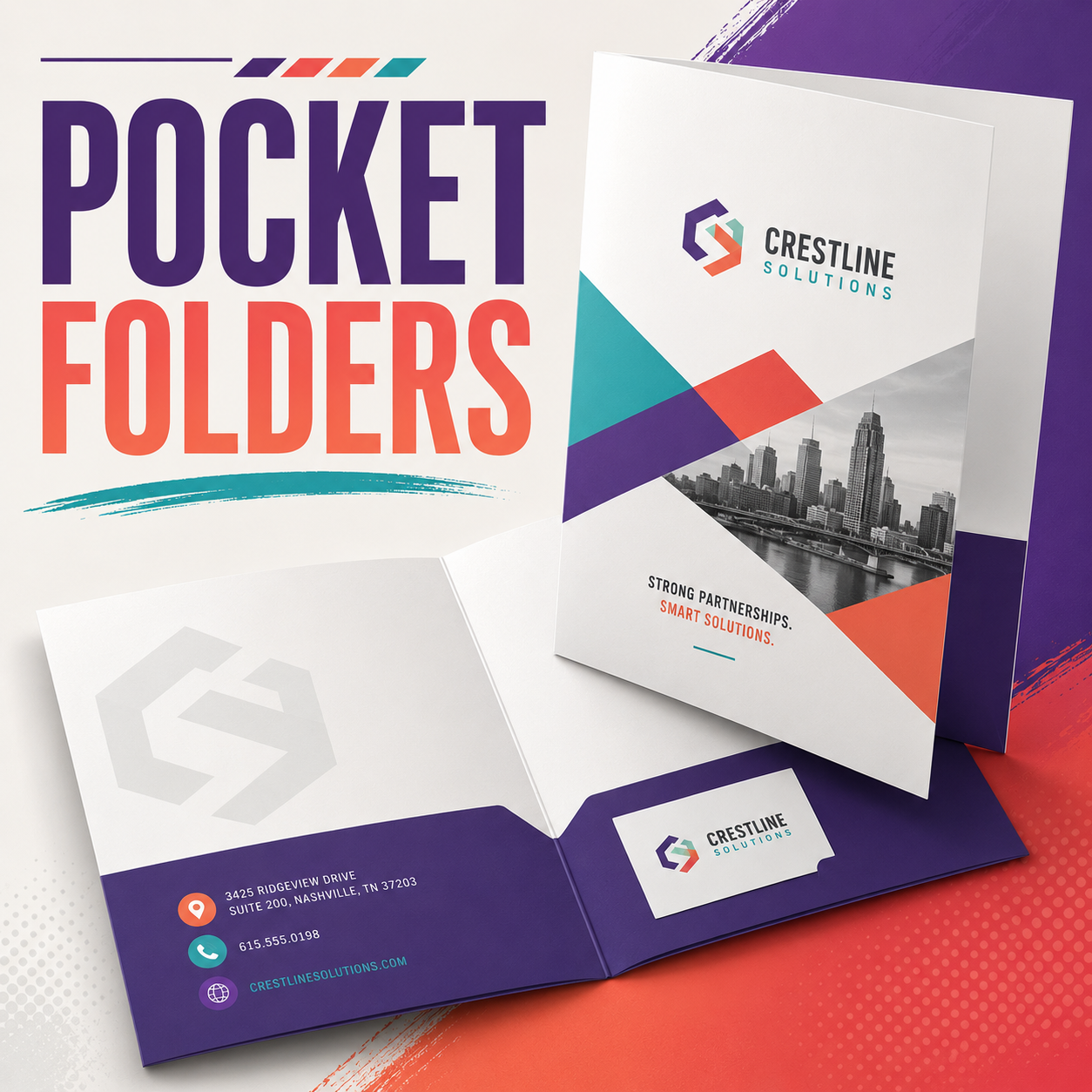
Pocket Folders
From $0.00
Use Little Rock Printing®’s pocket folders to keep documents, photos, and other swag together, whether you’re at home, at work, or on the go. Add custom stickers or labels to personalize them for individuals, events, and so much more!
Pocket Folders
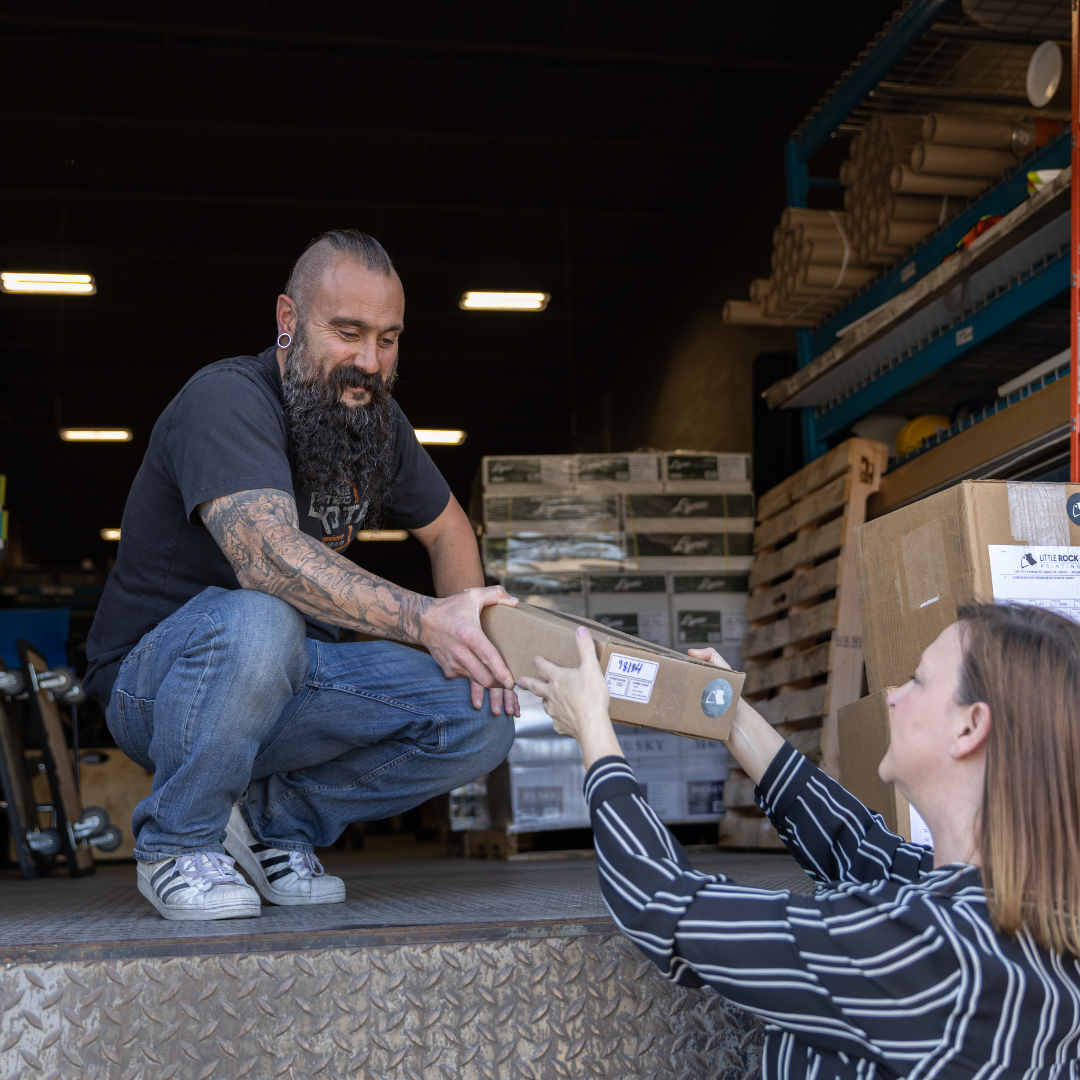
Why Little Rock Printing™ Does a Stand-Up Job Printing Pocket Folders
Every Run is Printed Your Way
Design professional pocket folders in minutes using Little Rock™’s free Canva templates. Stick with cost-effective paper stocks that don't break the bank or go all-out with heavyweight luxury cardstock and covers instead. Your wish is our command!
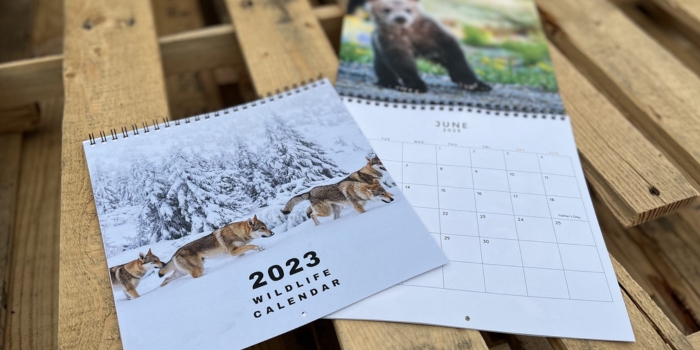
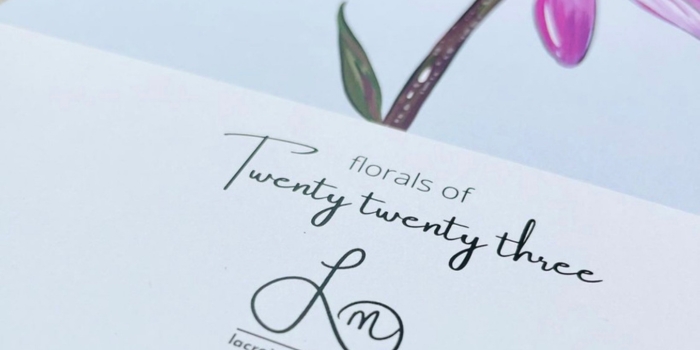
Competitive Bulk Pricing
The more you order, the more you save per unit. You can also bundle multiple designs into the same order for better pricing if they're similarly sized and in the same order. Send us your files for a quick check if you want confirmation first.
Frequently Asked Questions about Pocket Folders
What Exactly is a Pocket Folder?
Think of it like a smaller, stripped-back version of a binder. They're designed to be small enough to slide into a backpack or work bag when closed, but are still large enough to hold things like resumes, documents or business cards. They're ideal for bringing along to networking events.
What's the Best Paper Stock for the Pocket Folder?
Heavier cardstock (around 14–16 pt) holds its shape best, especially when you’re adding inserts like brochures or flyers. Lighter stocks can work for one-time events, but have a tendency to bend or tear faster with regular handling.
Can I Add a High-Gloss or Matte Finish?
Yes. Both gloss and matte finishes are available. Gloss tends to show fingerprints faster, but can be polished easily with a soft cloth. Matte also shows fingerprints as well as smudges, but it doesn't polish down as well.
How Many Sheets Fit Inside a Standard Folder?
A typical 9" × 12" pocket folder can comfortably hold 10-15 sheets on each side. Heavier card stocks may fill up the space faster or increase stress on the seam. It may be better to hand out a few folders to each intended recipient if you expect this to happen.
How Should I Send My Design Files?
For best results, send us a hi-res PDF with:
- ⅛” bleed
- Outlined fonts
- CMYK colours (use Spot PMS instead if trying to print Pantone colours)
If your design requires specific colours, we strongly recommend ordering a proof and choosing Spot Pantone as the colour before printing in volume.
Where Does Little Rock Printing™ Ship To?
All of our prices include free shipping with the purchase of any product. Almost everything we make can be shipped anywhere in Canada (except for Large Cutouts, which are only available for pickup).

Canva Templates for Calendars
We think Canva is a great resource for brands of all sizes to build Print Ready PDF's. Below are some shortcuts to a few starter links we have for you to work on your next project, all you need is a Canva accout and to click on the links below to get started.
Once you have your design downloaded as a Print Ready PDF from Canva, you can use that file to attach to your order.


How to Use Canva to Create Print Ready PDF Files
In this concise 5-minute video, we'll walk you through the simple steps to export your Canva designs into high-quality PDFs, perfect for printing. Whether you're a beginner or a seasoned Canva user, this guide is designed to help you get your designs print-ready in no time!
How to Resize a Photo for Printing in Canva
Learn how to open a custom size file, upload your photo, and fill the background to ensure it fits the desired dimensions.
How to Design Greeting Cards in Canva
Learn how to design a four-page folded card, with each page serving a specific purpose. You'll learn how to choose the right size, create custom designs, and add elements like images, text, and logos.
Order a Free Paper Sample Kit
Want to learn more about our Paper and Media, click below to add a FREE SAMPLE KIT to your cart today. Simply fill out the form here and we will ship you a FREE KIT.
If you want you can always come to Curbside Pickup and grab one as well.