Find Your Perfect Print Partners
Little Rock Printing® is ready to bring your designs to life. Our experienced team oversees every job, using high-quality materials and cutting-edge equipment to ensure you’ll always be satisfied.
Our Story
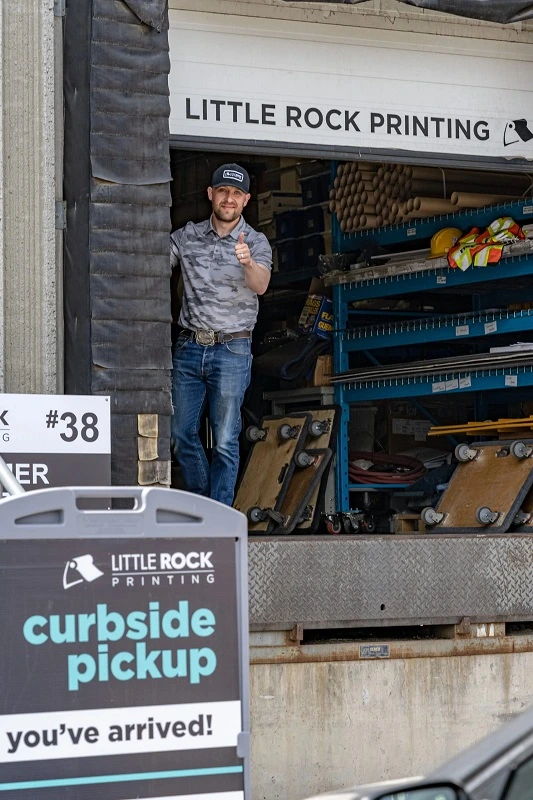
Little Rock Printing® was founded in 1994 as Little Rock Drafting Services by Rick Kroeker. Rick, a true Calgary entrepreneur, started the business when he was in danger of losing his job as a draftsman and office administrator at Golder Associates due to a company merger and the state of the Calgary economy. Instead of being laid off, he proposed becoming a contractor and selling his spare time to other firms. When he grew frustrated with the time it took to get color photocopies printed for reports, he suggested that Golder lease a photocopier, but they weren't interested. So, Rick took a leap of faith and leased the photocopier himself, selling photocopies to Golder and Little Rock Color Copies was born.
Over the years, Little Rock Printing® expanded its capabilities, adding traditional commercial on-demand print operations in 2008, and large format and signage pritning services in 2012. Today, Little Rock Printing® is a 100% e-commerce solution for printing high-quality products for brands and individuals. Everything we make can now be ordered online through their self-developed e-commerce website, and 99% of what we sell through their website is printed and completed in their state-of-the-art 8,000 square foot print manufacturing facility in Calgary, Alberta. The company has come a long way since its inception, but one thing remains the same: Little Rock Printing® takes pride in providing excellent service to their clients and we are proud to be part of this community.
Why Choose Little Rock Printing™?

No Minimum Orders
Order as many copies as you want, or get a single item printed—it’s up to you! To get a free proof of your design before placing the full order, use the code “FREEPROOF” for a single copy at checkout.
Done Before the Deadline
We stick to our promises and always deliver on time. Select a timeline from 1-5 business days when you complete your order, and we’ll make sure it’s ready on or before the specified date.
Printed In-House
We print and ship 99% of all orders from our print shop in SE Calgary. Doing everything ourselves lets us guarantee the quality of your order before we ship, so you always get what you paid for.

Custom Options
With an excellent variety of paper types, colour options, and more, Little Rock Printing® gives you all the tools you need to make your design truly pop. We even offer free canva templates for various projects.
Our Team
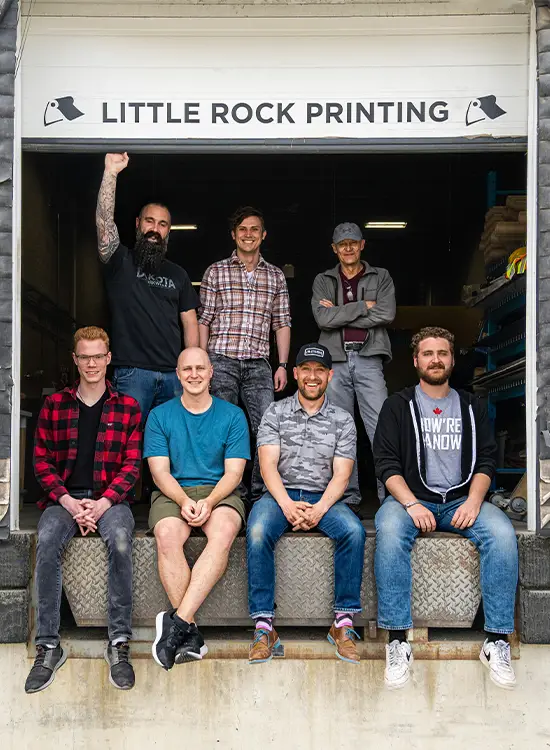
Little Rock's team is composed of talented professionals who take great pride in the work they produce. As a family-owned business, our values of quality, professionalism, and commitment to our clients are shared by everyone on our team. We have a deep appreciation for the craft of printing, and it shows in the exceptional results we deliver to our clients.
When you choose to work with us, you're not just hiring a printer, you're joining forces with a community of skilled artisans who are dedicated to the success of your project.
Companies We've Worked With
We’ve helped thousands of brands, businesses, artists, companies, and individuals. Here are just a few:






Hear What Customers are Saying
In the Media



Turning around a struggling business: Little Rock Printing® turns adversity into advantage
This father-son team worked 14 hours a day, learning from setbacks to find success
Read More