
Articles & Resources

The Best AI Tools for Designing Print Materials: Canva, ChatGPT, Adobe Firefly & More
Most people pick one AI design tool and assume it does everything. It doesn’t. Canva, ChatGPT, and Adobe Firefly each excel at different parts of the print design process, and using the wrong one at the wrong stage can lead to bleed issues, low-resolution images, or the wrong colour profile.
Latest Posts
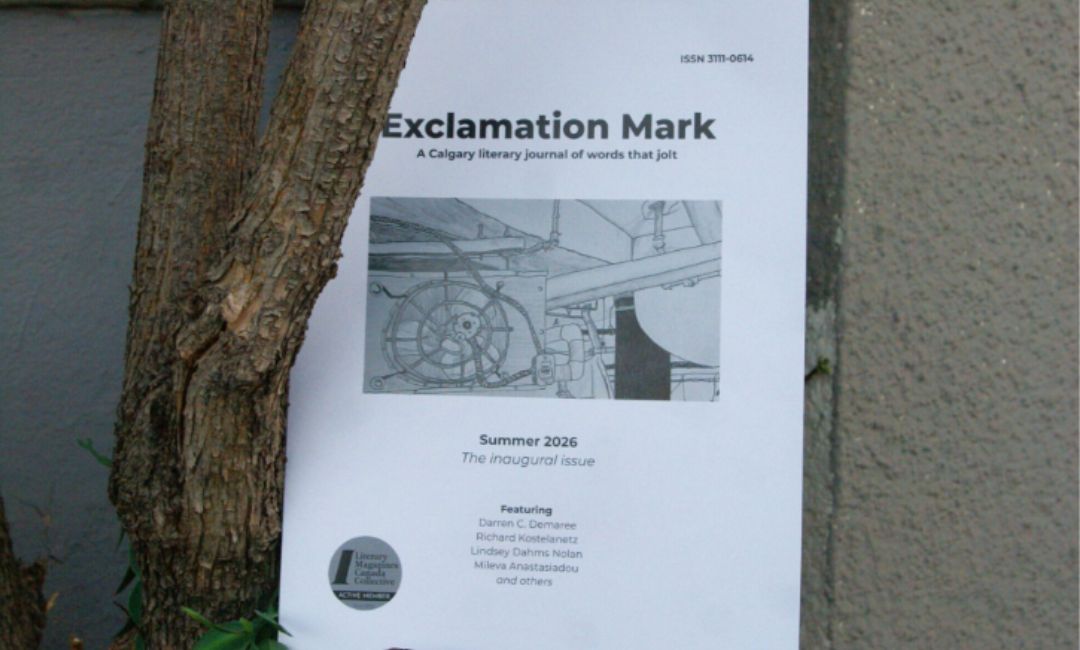
You Can Afford to Print That: How a Volunteer-Run Calgary Journal Made Its First Print Issue
A $125 quote for ten copies almost stopped a Calgary literary journal from printing their first issue. Exclamation Mark found a way to print 50 for about $2 each instead, starting with the right paper and a page count that worked for their binding. Here’s how a small, volunteer-run team turned an intimidating first print run into a shelf-ready, sellable issue.
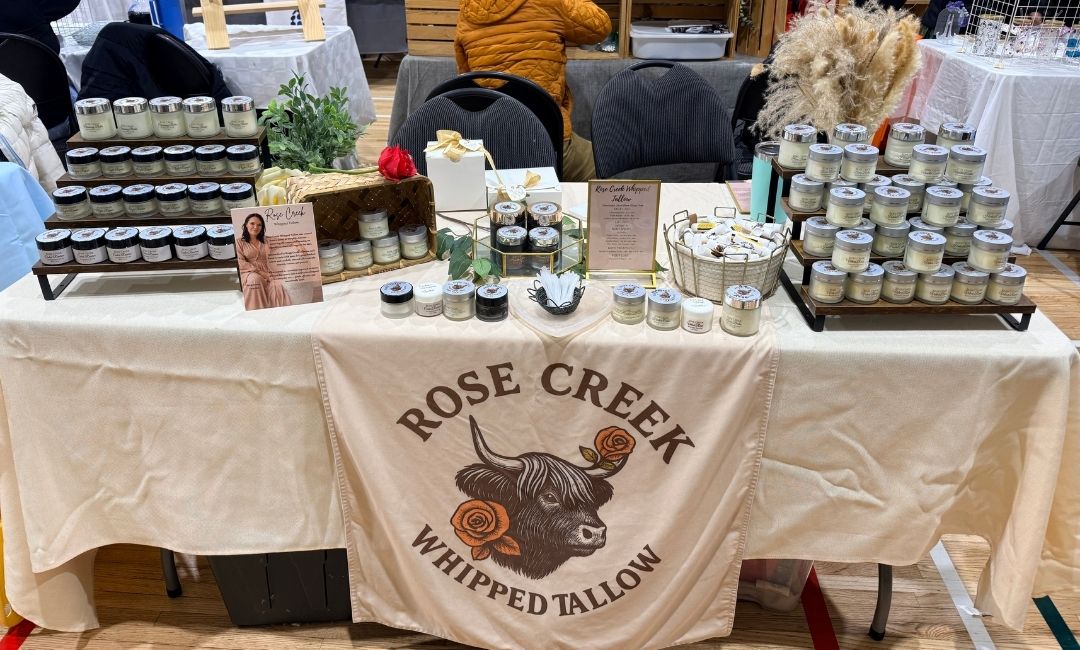
How to Design Info Cards That Sell for You
A stranger at a farmer’s or artisan’s market table might not know what tallow skincare is, what it does, or why it costs what it costs. That’s why Alice from Rose Creek Whipped Tallow created pricing and biography cards to answer both questions before she even has to say a word.
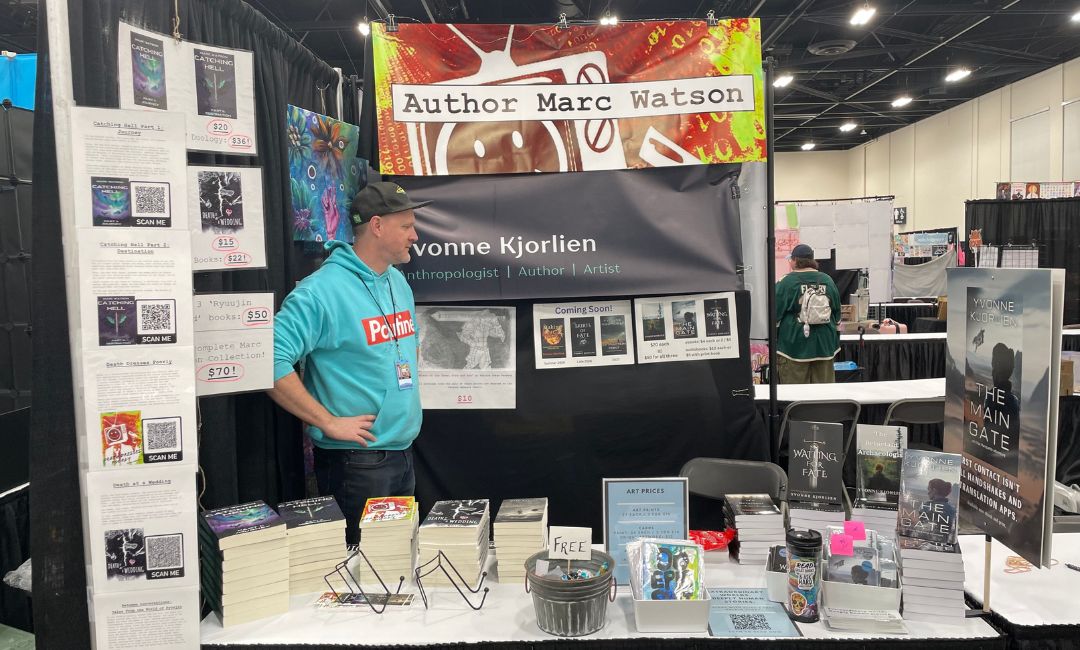
From Community Market to Calgary Expo: How One Author Built a Pro Booth (and How to Design Yours in Canva)
One Canva file. Five different print pieces. That’s how a Calgary author walked into the Calgary Expo with a booth that looked fully put together instead of thrown together the night before. Canva’s Magic Switch made her resize-and-export workflow for five different pieces seamless, and it works for any vendor building a market table or event booth from scratch.
How-To's & Guides

How to Design a Training Manual in Canva: Step-by-Step
A training manual that’s hard to navigate doesn’t get used. Getting the layout right in Canva means planning your page hierarchy before you open the canvas, setting binding margins early, and exporting a file that comes back from the printer looking exactly the way it did on screen.

How to Design Graduation Announcements & Programs in Canva
Designing graduation announcements and ceremony programs in Canva isn’t complicated, but they’re two very different files with different setup requirements. Knowing the difference and getting the Canva settings right can save you time and money in re-printing later.

How to Design a Pocket Folder in Canva: Step-by-Step
Designing a pocket folder in Canva takes more setup than a regular print file. You need the right dimensions, bleed on all edges, and a clear understanding of where the pocket flap falls before you start placing content. Get those details wrong, and the file either gets rejected or comes back with cut-off logos and crowded panels.
Customer Stories
Live Edge Axe Throwing
Live Edge Axe Throwing brings friends, families and coworkers together for some friendly competition. Since opening, Little Rock Printing has supplied custom “Kill Shot” stickers, awarded to guests who land the challenging eight-point throw, giving winners a fun keepsake to celebrate their achievement.
Beetopia Apiary
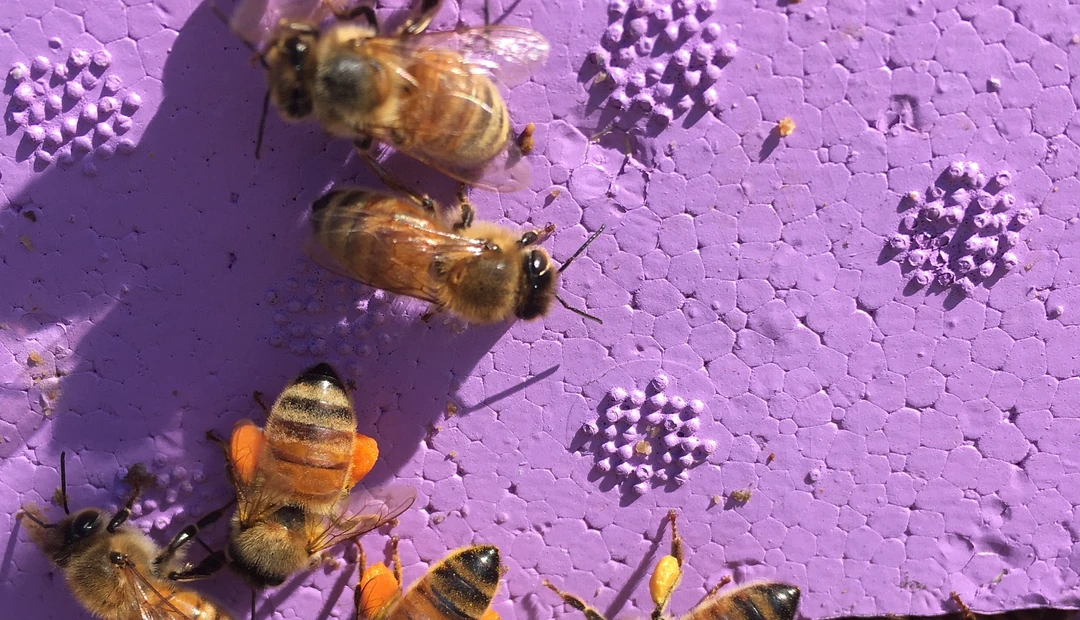
Beetopia Apiary is a family-run beekeeping business in central Alberta, producing locally sourced honey. Little Rock Printing helped bring its custom honey labels to life with small test runs, allowing the family to perfect their design before placing larger orders. The finished labels have become a customer favourite.

Hungry Thaiger
Calgary-based Hungry Thaiger grew from a small community centre takeout kitchen into a sit-down Thai restaurant. Little Rock Printing has supported that growth with custom stickers featured on every takeout order, with orders growing from 500 to 10,000 stickers.
Canva Tutorials

How to Build a Brand Kit for Your Print Materials in Canva
Building a brand kit for your print materials is key to having a cohesive look and feel for your company. The Little Rock team shows you how to create one in Canva that can be applied to business cards, envelopes and more.

10 Amazing Wedding Invitation Templates to Download & Customize
Your wedding invitation helps set the tone for your big day to your wedding guests. The Little Rock Printing team offers 10 customizable wedding invitation templates that you can personalize in Canva before submitting them for high-quality printing.

What is a Print-Ready PDF (& How to Prepare it in Canva)
In order to create the highest-quality print product, you’ll need to convert your digital file into a print-ready PDF. Here’s how to prepare one in Canva, with design tips and considerations from the Little Rock Printing team.
Design Tips

How Print-Ready Are You? A Self-Audit Tool for Designers & Marketing Teams
Check your trim size, bleed, colour mode, resolution, fonts, and layout with this print-ready file self-audit tool for designers and marketers from Little Rock™.

Find the Print Products for Your Industry: A Free Tool for Businesses
Get industry-specific advice on which print products pubs, restaurants, retail shops, clinics, and other niche businesses should use with this free tool from Little Rock™.

How to Print QR Codes + Free QR Code Generators
Whether you’re designing posters, flyers, or business cards for your business, adding a QR code can help boost engagement by giving your audience instant access to a digital experience. Learn how to generate and place QR codes on your print projects with help from Little Rock.
Our Company
Who We Are – Part 1
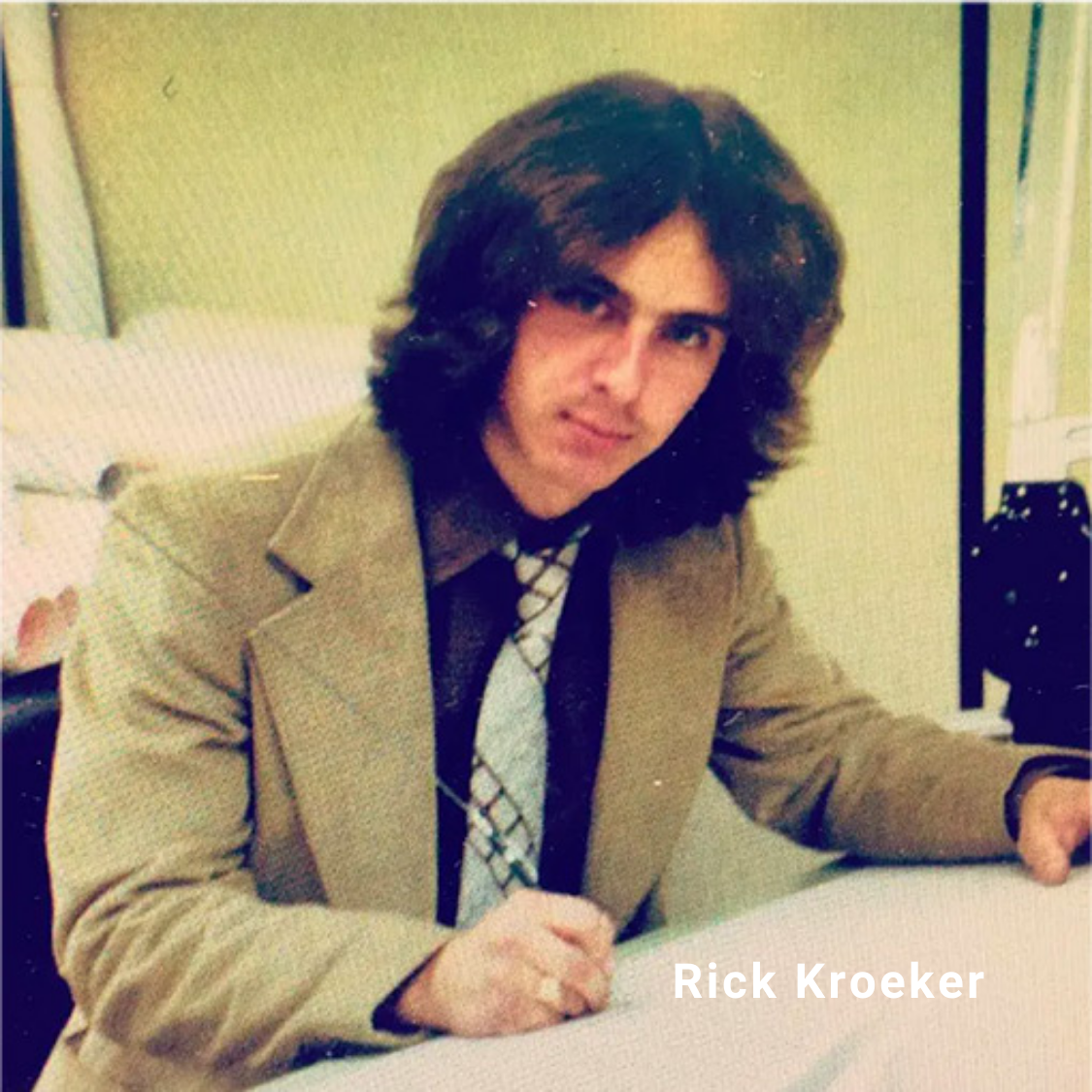
Started in 1994 by my Dad, Rick Kroeker as Little Rock Drafting Services we have been working hard to adapt and grow in the ever-changing world of printing.
10-Year Challenge – “The Stampede Station Era”
This photo I found the other day is from 10 years ago and represents a lot, including making one good decision and one bad decision that quite frankly almost cost us our business.
How The Company Got Its Name?
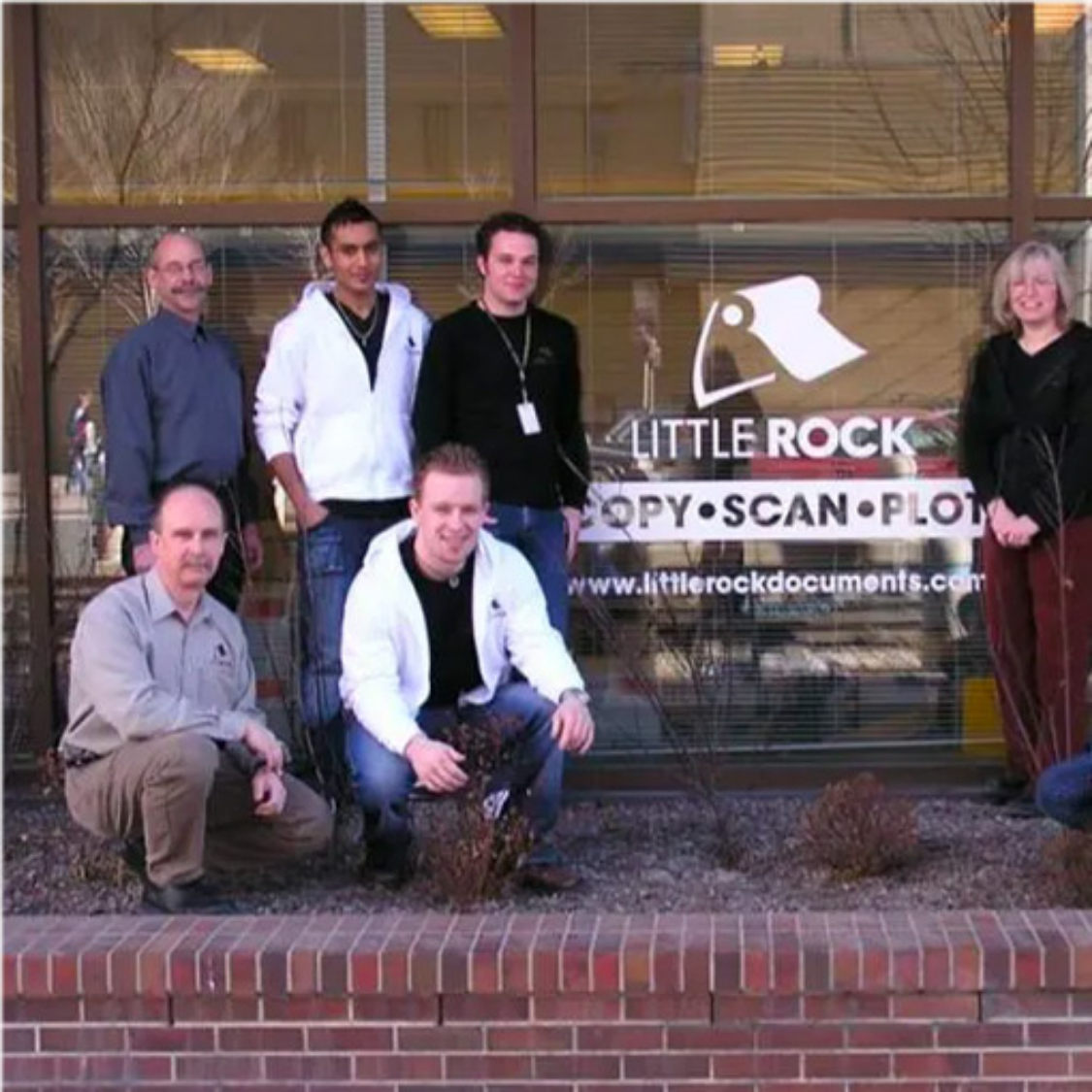
In the early days, I was an employee of Golder Associates, but had started a printing business located beside my desk. This is how we came up with our name.