Geological Reports
From $0.00
Create accurate and visually appealing reports that meet your specific project requirements. Our years of experience printing geological materials make it easy to create and deliver your documents on time. Order below.
Geological Reports
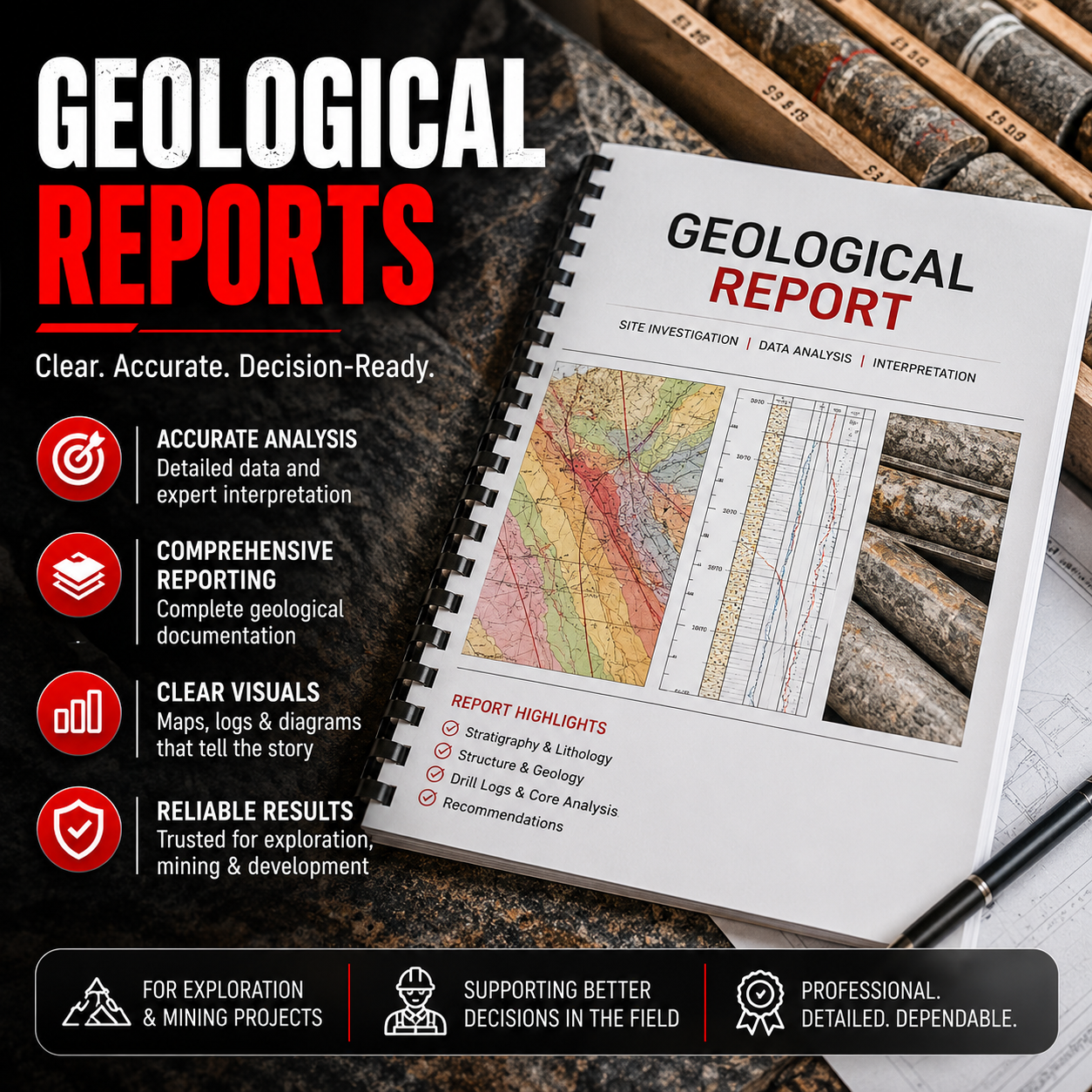
Geological Reports that Rock
Timelines You Can Trust
Getting your reports on time is essential, so we guarantee our delivery dates. Choose a deadline from one to five business days when you order and we’ll make sure your reports are ready.
Scalable & Customizable
Our binding, paper, and cover options make it easy to customize your reports, and we have no minimum or maximum page count. You can always get the report you want printed the way you want it.
Frequently Asked Questions about Geological Reports
Why Choose Little Rock Printing™ to Print My Geological Reports?
The team at Little Rock Printing™ has years of specialized experience working with geologists in mining, energy, and environmental applications. We know how to format and print your reports to ensure their completion and accuracy, and oversee all report printing ourselves at our shop in Calgary to maintain quality control from start to finish.
Can I Get a Digital Copy of My Report Only?
Yes! Select “CDs or USB Only” under the “Document Option” menu on this page and we’ll prepare your report digitally. You can also add digital copies to a paper report by choosing your preferred digital format under “CDs or USB Drives”.
How Do I Send Little Rock Printing™ a Custom Cover for My Report?
Select “Use My Custom Covers” under the “Cover Options” menu, then send us a hi-res PDF for your cover design. For best results, make sure your design has:
- ⅛” bleed
- Outlined fonts
- CMYK colors (use Spot PMS instead if trying to print Pantone colors)
Where Does Little Rock Printing™ Ship To?
All of our prices include free shipping with the purchase of any product. Almost everything we make can be shipped anywhere in Canada (except for Large Cutouts, which are only available for pickup).
Can I Set Up An Account with Little Rock Printing™?
We’re always happy to set up accounts for new or returning customers. You can either pay as you go online, have us keep a card on file, or apply for credit by requesting a credit application from hello@littlerockprinting.com.

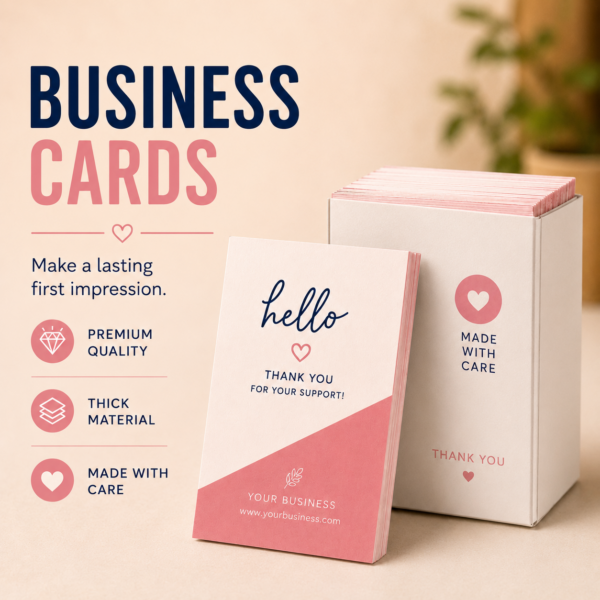
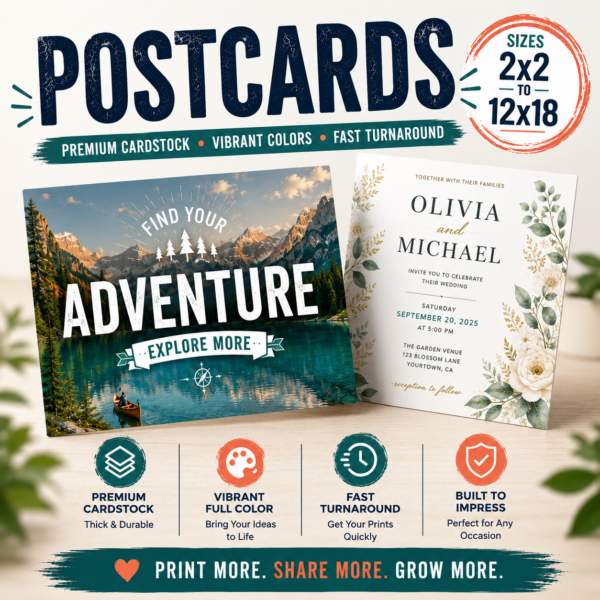

How to Use Canva to Create Print Ready PDF Files
In this concise 5-minute video, we'll walk you through the simple steps to export your Canva designs into high-quality PDFs, perfect for printing. Whether you're a beginner or a seasoned Canva user, this guide is designed to help you get your designs print-ready in no time!
How to Resize a Photo for Printing in Canva
Learn how to open a custom size file, upload your photo, and fill the background to ensure it fits the desired dimensions.
How to Design Greeting Cards in Canva
Learn how to design a four-page folded card, with each page serving a specific purpose. You'll learn how to choose the right size, create custom designs, and add elements like images, text, and logos.
Order a Free Paper Sample Kit
Want to learn more about our Paper and Media, click below to add a FREE SAMPLE KIT to your cart today. Simply fill out the form here and we will ship you a FREE KIT.
If you want you can always come to Curbside Pickup and grab one as well.