
Articles & Resources
No Results Found
The page you requested could not be found. Try refining your search, or use the navigation above to locate the post.
No Results Found
The page you requested could not be found. Try refining your search, or use the navigation above to locate the post.
Latest Posts

How to Design Graduation Announcements & Programs in Canva
Designing graduation announcements and ceremony programs in Canva isn’t complicated, but they’re two very different files with different setup requirements. Knowing the difference and getting the Canva settings right can save you time and money in re-printing later.

How to Design a Pocket Folder in Canva: Step-by-Step
Designing a pocket folder in Canva takes more setup than a regular print file. You need the right dimensions, bleed on all edges, and a clear understanding of where the pocket flap falls before you start placing content. Get those details wrong, and the file either gets rejected or comes back with cut-off logos and crowded panels.

A Guide to Canva 2.0: New AI Tools to Help Design Your Print Products
Canva 2.0 offers a different way to work. The blank canvas is no longer the default starting point, brand setup is now automatic, and multi-piece print projects can be generated from a single description. For businesses that print regularly, the new scheduling and connector tools alone are worth understanding.
How-To's & Guides
A Guide to Canva 2.0: New AI Tools to Help Design Your Print Products
Canva 2.0 offers a different way to work. The blank canvas is no longer the default starting point, brand setup is now automatic, and multi-piece print projects can be generated from a single description. For businesses that print regularly, the new scheduling and connector tools alone are worth understanding.

The Best AI Tools for Designing Print Materials: Canva, ChatGPT, Adobe Firefly & More
Most people pick one AI design tool and assume it does everything. It doesn’t. Canva, ChatGPT, and Adobe Firefly each excel at different parts of the print design process, and using the wrong one at the wrong stage can lead to bleed issues, low-resolution images, or the wrong colour profile.

Don’t Fix, Prevent! How to Avoid Faded Printing, Scratches, & Water Damage
Learn how to prevent faded inks, scratches, and water damage by choosing durable print materials and using simple care tips that keep your banners, labels, and other paper products looking sharp.
Customer Stories
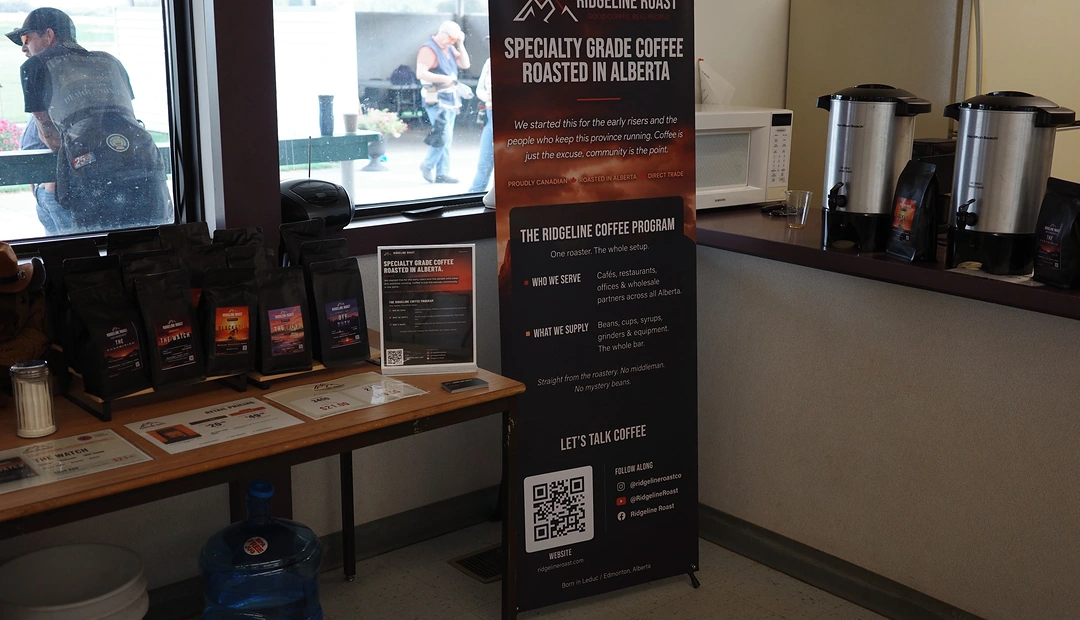
Ridgeline Roast
Alberta-based Ridgeline Roast supplies specialty coffee to cafés, restaurants, offices, grocery stores and customers at home. Little Rock’s banners and X-stands help their four-person team show up professionally at rodeos, trade shows and pop-ups, giving the young brand credibility and helping turn face-to-face introductions into new wholesale accounts.
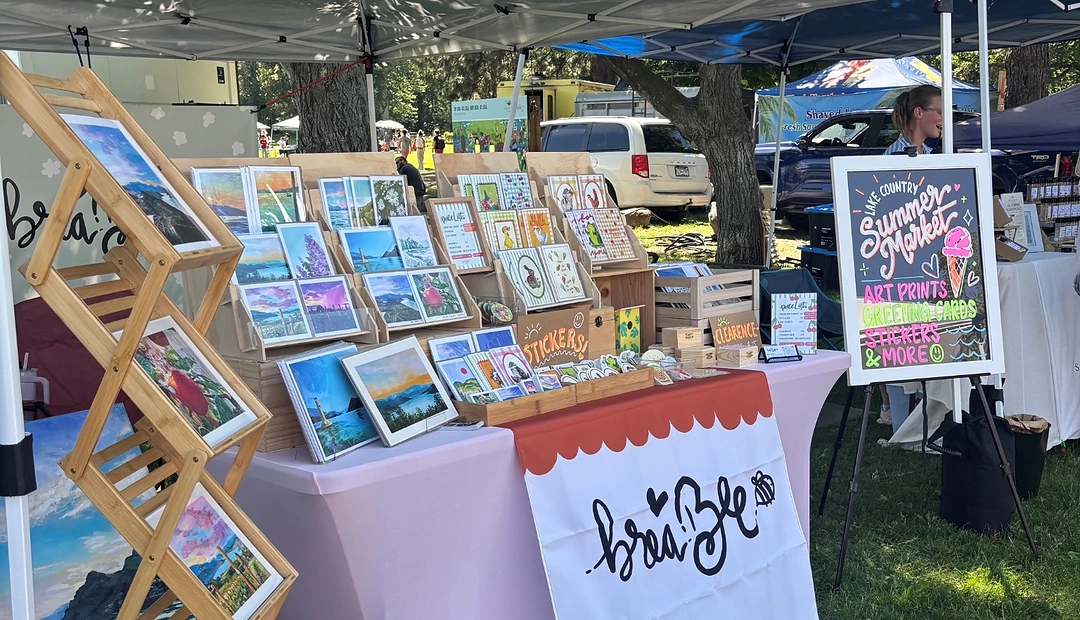
Brea Bee
Okanagan artist Breanne runs Brea Bee, creating artwork inspired by local landscapes alongside whimsical illustrations and seasonal designs. Little Rock helps turn her artwork into cards, prints, stickers and other paper goods she can sell at local markets and businesses, making it easier to share her work with the community.
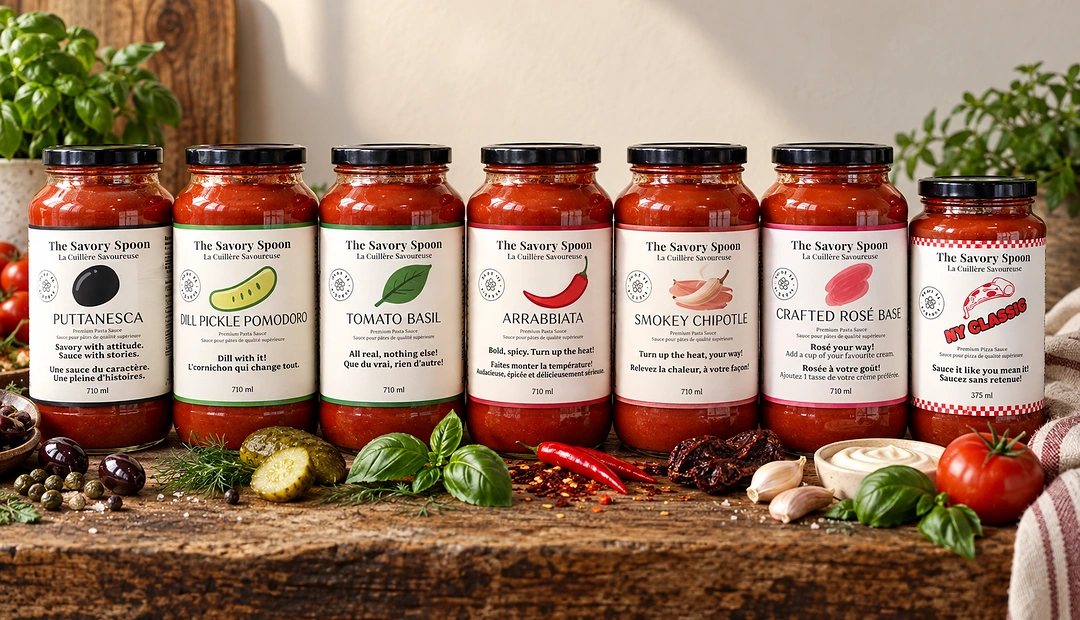
Savory Spoon Foods
Calgary-based Savory Spoon Foods makes small-batch pasta and pizza sauces sold across local markets and Alberta grocery stores. Little Rock has printed their labels from the start, giving the young brand a polished, shelf-ready look. As they add new flavours and retailers, our reliable printing and easy label revisions help keep their growth moving.
Canva Tutorials
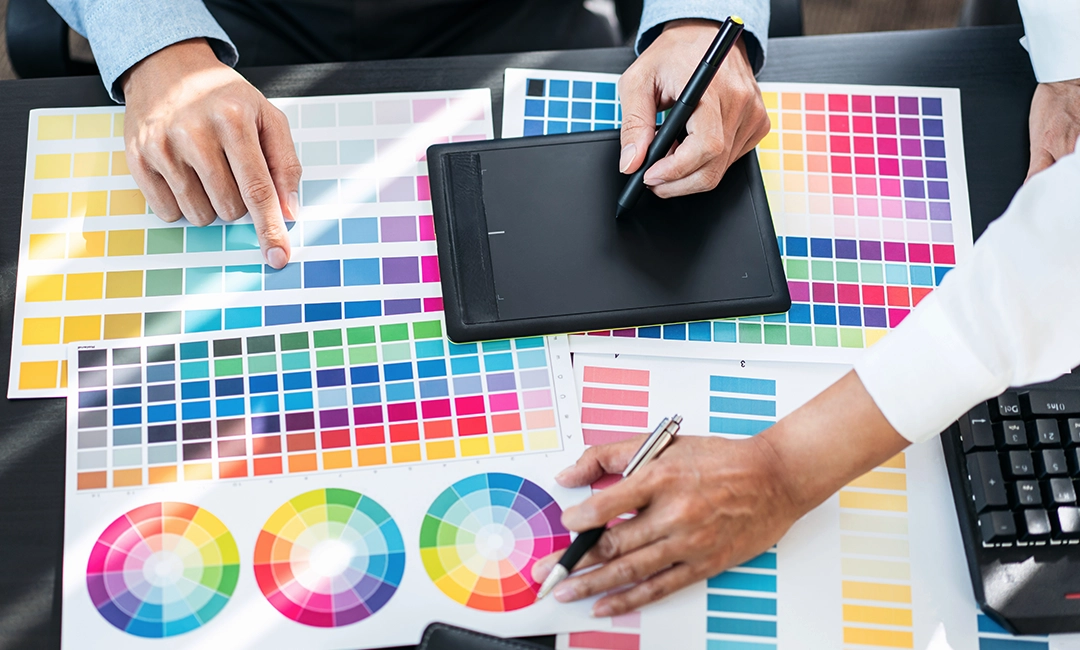
RGB vs. CMYK Colours: Why It Matters for Printing & How to Choose in Canva
Using CMYK colours is crucial for printed materials. Canva is a great online design tool where you can choose or convert your colour model before printing. Here’s a guide on what you should know from the Little Rock Printing team.
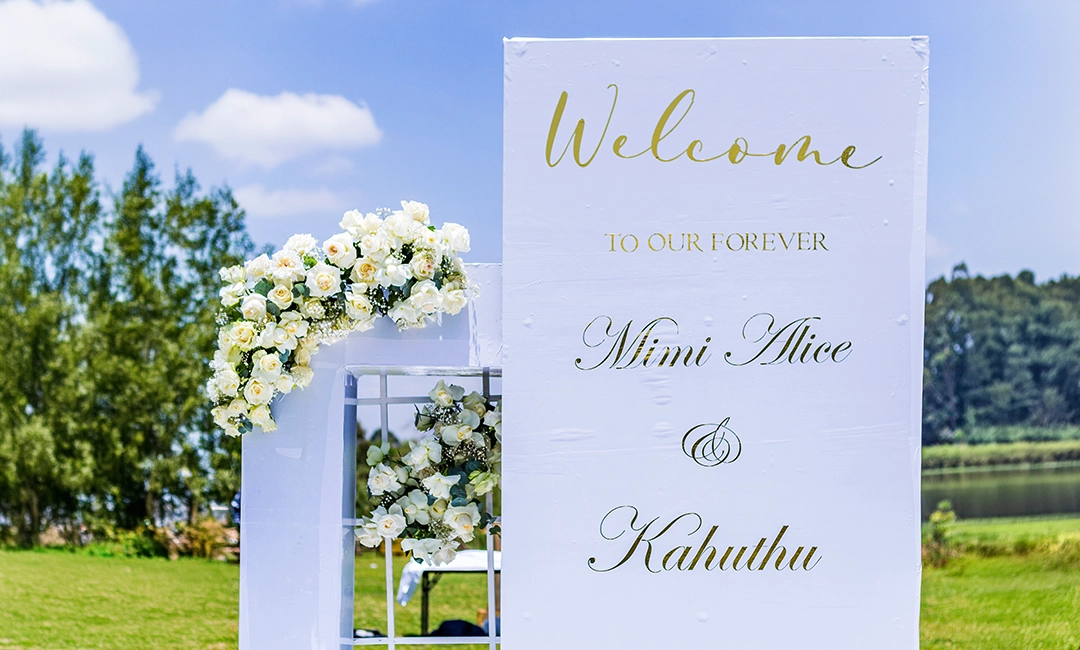
How to Create a Welcome Poster Board For Your Wedding in Canva
A welcome poster board is a great way to display your wedding details to all your guests. Here’s how to create and customize a welcome poster board in Canva, with design considerations and best practices from the Little Rock Printing team.

How to Resize Your Design in Canva
Canva is a great online graphic design tool that you can use for all your printing needs. Here’s how to easily resize your designs in Canva, with a step-by-step guide from the Little Rock Printing team.
Design Tips

How to Build a Brand Kit for Your Print Materials in Canva
Building a brand kit for your print materials is key to having a cohesive look and feel for your company. The Little Rock team shows you how to create one in Canva that can be applied to business cards, envelopes and more.

Create a Cohesive Branding Identity by Matching Business Cards, Brochures & Stationery
Your print marketing materials should give your customers a cohesive experience through colours, typography and graphics. Learn how to create this for your business, with design tips and file setup instructions from the Little Rock experts.

A Step-by-Step Guide to Designing & Printing Branded Envelopes for Your Company
Branded envelopes are a great way to capture your customer’s attention before they open it. Our Little Rock team breaks down everything you need to know from a design and print perspective to help you reach your intended audience.
Our Company
Little Rock Printing™: Flood Stories (Multiple…)
Water is one of the world’s most precious resources, but at the wrong time or the wrong place, it can be a powerful enemy. Here are our flooding stories.
Dinner With The Mannings
What did we learn from this event? That indeed, anyone is accessible, that the Mannings were genuinely nice people, and that there’s always one more way to serve a salad.
The “Why” A Story On Leadership
Growing up, I was fortunate to have a lot of teachers that were unapologetically demanding. Assignments had to be in on time and had to show full effort. We use this philosophy with our business.