
Summary
To reach other provinces before Christmas, business Christmas cards sent within Canada need to be mailed by December 18, or by December 11 for the US and the UK. Order early enough to leave three to five days for signing and addressing. Uncoated stocks like 13PT take a pen without smudging, and a 5” x 7" card fits a standard A7 envelope. Little Rock® prints several same-size designs in one order with no minimums.
| Time to Read | ~6 minutes |
| What You’ll Learn | - 2026 mail-by dates for cards in Canada and abroad - Which cardstocks are easiest to sign - Which envelope fits each card size - How to order several designs at once |
| Next Steps | - Pick your mail-by date - Order one free proof with FREEPROOF - Send your design breakdown with your order |
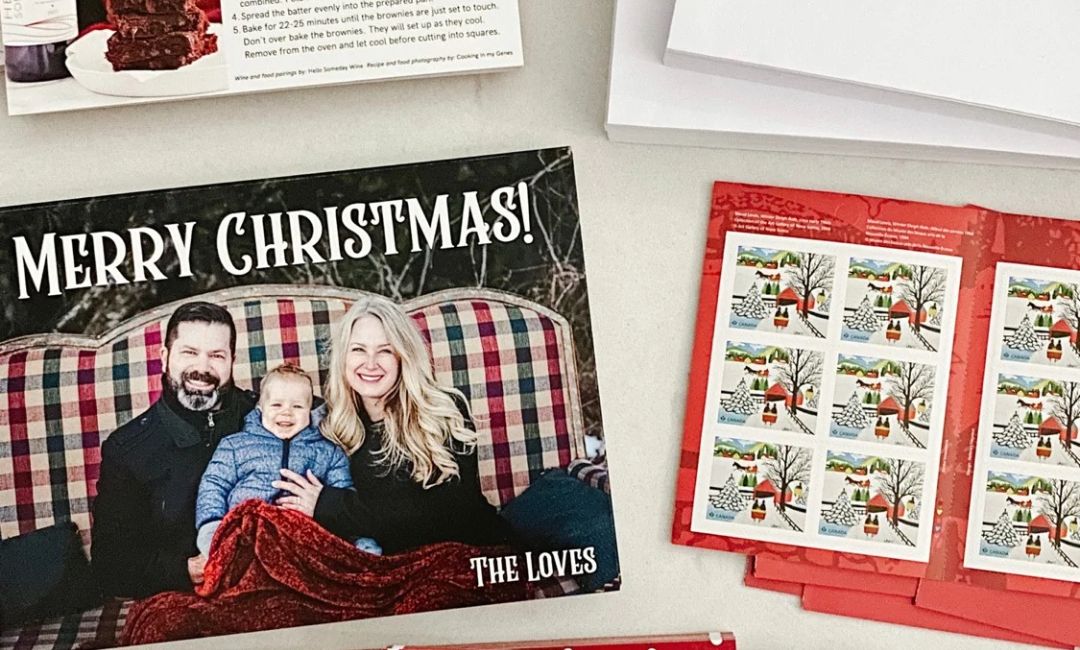
A business Christmas card that arrives in January doesn't say, "We appreciate you." It says someone remembered too late. If you're sending Christmas cards in Canada this year, the date that matters most is December 18, which is Canada Post's 2026 send-by date for cards going across the country. Cards to the US need to be in the mail by December 11.
Below you'll find order-by dates worked back from those deadlines, the cardstocks that take a pen best, envelopes that fit each card size, and how to order cards for a whole team at once. When you're ready, start your order in the Christmas cards section.
When to Order Business Christmas Cards in Canada

Work backward from the day your cards need to be in the mail. Take Canada Post's send-by date, subtract a few days for signing and addressing, then subtract Little Rock®'s turnaround and delivery time. The result is your order-by date.
Here are Canada Post's 2026 send-by dates for cards:
| Sending To | Canada Post Send-By Date (cards) |
| Same city (local) | December 22nd |
| Same region | December 21 |
| Elsewhere in Canada | December 18 |
| USA, UK, France, Germany, Japan | December 11 |
| Europe (other countries), Asia, Australia, Middle East | December 9 |
| Africa, the Caribbean, and Central and South America | December 3 |
*If printing your Christmas cards with Little Rock®, we recommend getting your orders in no later than December 15th for deliveries across Canada.
A few things to build into your timeline:
- Signing time. A stack of 200 cards signed by three people takes longer than you'd think. Leave three to five days between delivery and mailing for a bigger list.
- Rural addresses. Canada Post's domestic dates are between major urban centres, so add a few days for smaller towns and remote areas.
- Holiday closures. Christmas Day falls on a Friday this year, and Canada Post observes Boxing Day on Monday, December 28. Nothing moves on either day.
- Proofing. If you're ordering a sample first, add the proof's turnaround to the front of your timeline.
Greeting cards from Little Rock® are ready in 1-7 business days, with pickup in Calgary or delivery anywhere in Canada.
Choosing Paper for Custom Christmas Cards
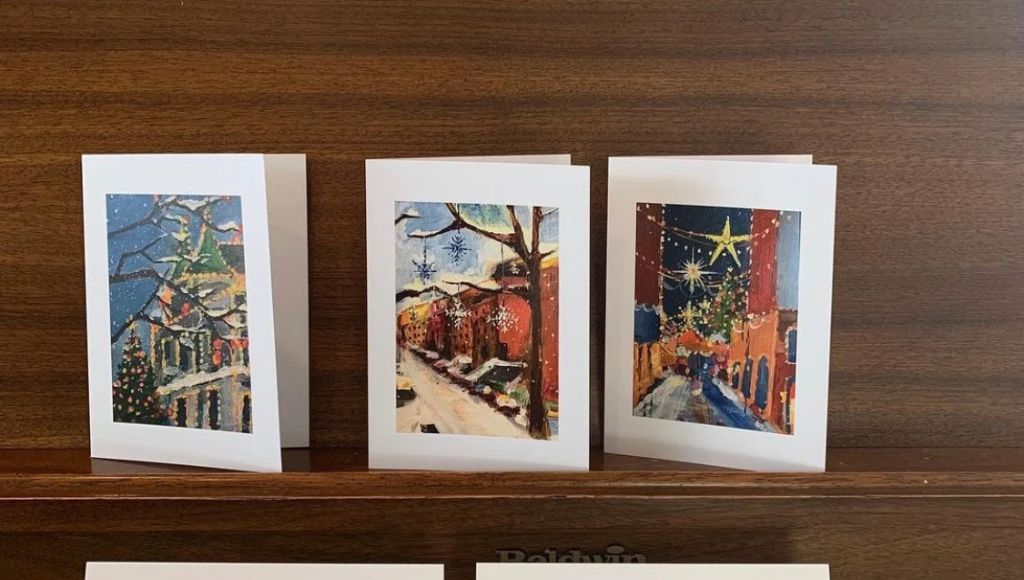
If you’re sending Christmas cards from your company, an important thing to consider is whether they will be signed by hand. Uncoated stocks soak up ink, so signatures dry fast and don't smear. Coated stocks make colours pop but are harder to write on.
| Stock | What It’s Like | Best For |
| 13 PT Uncoated Cover | Little Rock® calls it the #1 choice for greeting cards | Cards the whole team will sign |
| 16 PT Uncoated Cover | A thicker, crisp uncoated stock | A sturdier card that’s still easy to write on |
| 11PT Cover | Medium thickness, smooth finish | Dark backgrounds and full-colour designs |
| 15 PT Cover | The 11PT finish with a little more weight | Photo cards and bold artwork |
| 11PT + Soft Touch Laminate | A velvety laminate on the outside | A premium feel for top clients |
| 12PT Linen Cover | Textured, with a traditional look | Classic and elegant designs |
| 16PT Linen Cover | The linen texture in a heavier weight | Cards you want people to keep on the desk |
The soft-touch laminate goes on the outside only. If you print the inside, keep the signature area on an uncoated panel or test a pen on your proof first.
Flat or Folded Cards
A flat card is printed on one or both sides, with the greeting on the front and room to sign on the back. A scored and folded card gives you a clean inside panel for a message and signatures, which is the more traditional choice for client cards. Folded cards also give you space for a printed message plus a handwritten note.
Sizes That Work
Little Rock®'s free Canva templates come in 5”x7", 7”x5", square, and 4.25”x5.5". Custom sizes range from 2" to 10" on each side. A 5”x7" card is the safest bet because it fits a standard envelope and feels substantial without costing extra to mail.
To compare stocks before you order, request a free paper sample kit and try writing on each one.
Picking Envelopes That Fit Your Cards
You can add blank envelopes to your greeting card order. Match the envelope to your card size:
| Card Size | Envelope |
| 5 x 7 or 7 x 5 | A7 (5.25 x 7.25) |
| 4.25 x 5.5 | A6 (4.75 x 6.5) |
| 4 x 6 (custom size) | 4.125 x 6.125 |
Keep postage in mind too. Canada Post's standard Lettermail rate covers envelopes up to 245 x 156 mm (9.6 x 6.1 inches), up to 5 mm thick, and up to 50 g. All of the envelopes above fit within those dimensions. Heavier stocks, folded cards, and inserts add weight, so weigh one finished card before you buy stamps for the whole batch. Cards and postcards going to the US or overseas have a smaller maximum of 235 x 120 mm.
Since the envelopes are blank, plan for return addresses. A self-inking stamp or printed labels that match your Brand Kit keep the outside of the envelope as polished as the card inside.
Ordering Cards for the Whole Team on One Invoice

Plenty of businesses need more than one version of a card. Little Rock® lets you put several designs in one order, as long as they're all the same size and ordered at the same time. Here's how it works:
- When you order online, choose the total quantity for all designs combined.
- Email hello@littlerockprinting.com with the breakdown for each design.
- All designs print together and arrive in the same shipment.
This works well for:
- Multiple locations: Each branch gets its own address or team photo.
- Individual sign-offs: Sales reps send cards with their own name and contact details printed inside.
- Different audiences: Send a client version and a staff version from the same order.
For businesses that order often, you can pay per order online, keep a card on file, or request a credit application from hello@littlerockprinting.com. Before ordering the full run, proof one card with the code FREEPROOF to check colour, paper, and fit.
Get Your Christmas Cards Out on Time
Pick your mail-by date, then count back to your order date. Little Rock® prints custom Christmas cards with no minimums so that you can start with one free proof using the code FREEPROOF. To complete the set, add custom-printed envelopes with your logo on the front or back flap.
Frequently Asked Questions About Christmas Cards in Canada
Is there a minimum order for custom Christmas cards?
No. Little Rock® doesn't have minimum order sizes, so you can order as few as 10 cards or as many as 1,000. Greeting cards start at $2.80 per card.
How long does Christmas card printing take?
Greeting cards are ready in1-7 business days. Little Rock® guarantees your cards will be ready on or before the date you choose at checkout.
Can I get a sample before ordering?
Yes. Order one card and enter FREEPROOF at checkout for a free sample. Pair it with a free paper sample kit to compare stocks side by side.
What file do I need to send?
Send a high-resolution PDF with ⅛" bleed, outlined fonts, and CMYK colour. What Is a Print-Ready PDF (& How to Prepare It in Canva) walks through the export settings step by step.
Can I add a QR code to a Christmas card?
Yes. A QR code on the back can link to holiday hours, a seasonal offer, or a thank-you video. How to Print QR Codes covers sizing and placement so the code scans reliably.
Do you ship Christmas cards across Canada?
Yes. Little Rock® delivers to every province, and Calgary businesses can pick up cards at 2222 Portland Street SE.


