
Articles & Resources
No Results Found
The page you requested could not be found. Try refining your search, or use the navigation above to locate the post.
No Results Found
The page you requested could not be found. Try refining your search, or use the navigation above to locate the post.
Latest Posts

Decal vs Sticker: What’s the Difference?
There are many differences between a decal and a sticker, including where and how to use them. Check out our guide to determine which adhesive graphic type is best for your marketing project.

Die Cut Stickers vs. Kiss Cut Stickers: Which is Right for Your Brand
The difference between die-cut and kiss-cut stickers comes down to how they’re used. Die-cut stickers create bold, individual branding pieces that stand out on laptops, water bottles, and merch. Kiss-cut stickers make application easier and allow multiple designs on one sheet, which works well for packaging and promotional inserts. Picking the right cut helps your stickers feel intentional and easier for customers to use.

Guide: Business Card Sizes and Dimensions
Business cards offer a tangible representation of your brand. Check out our guide on what sizes and dimensions to consider when designing your business cards, with best practices from the Little Rock Printing team.
How-To's & Guides
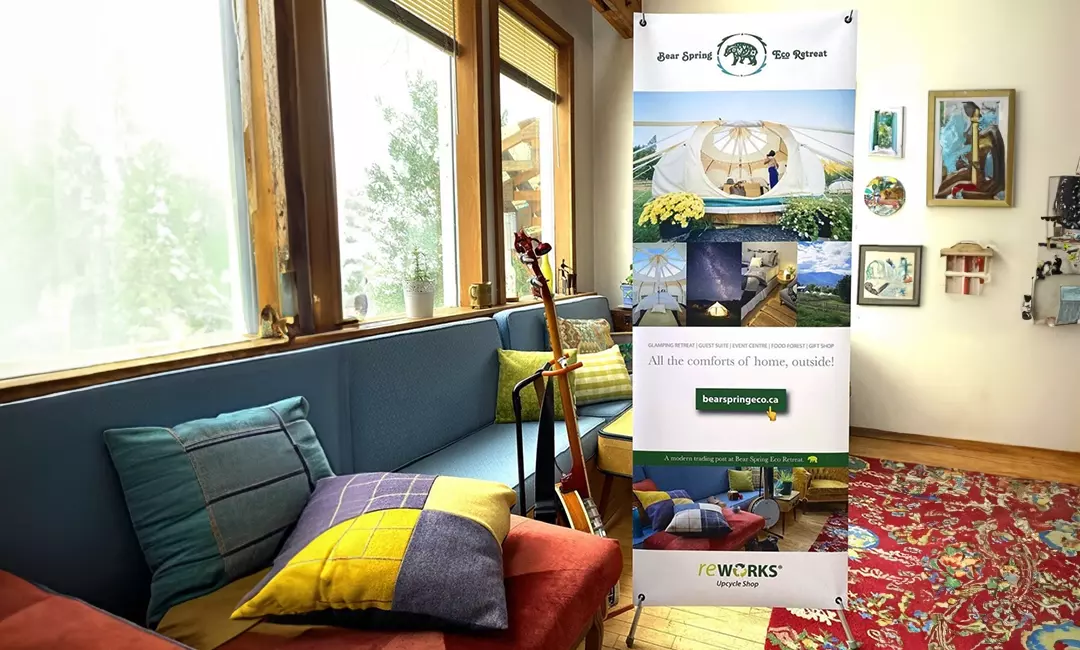
How to Design & Print Custom Banner Stands Using Canva
Design beautiful banner stands for your business—then format them for printing and send them to Little Rock for quick and high-quality results! Follow the steps in this guide to learn everything you’ll need to do and make the process as easy as possible.
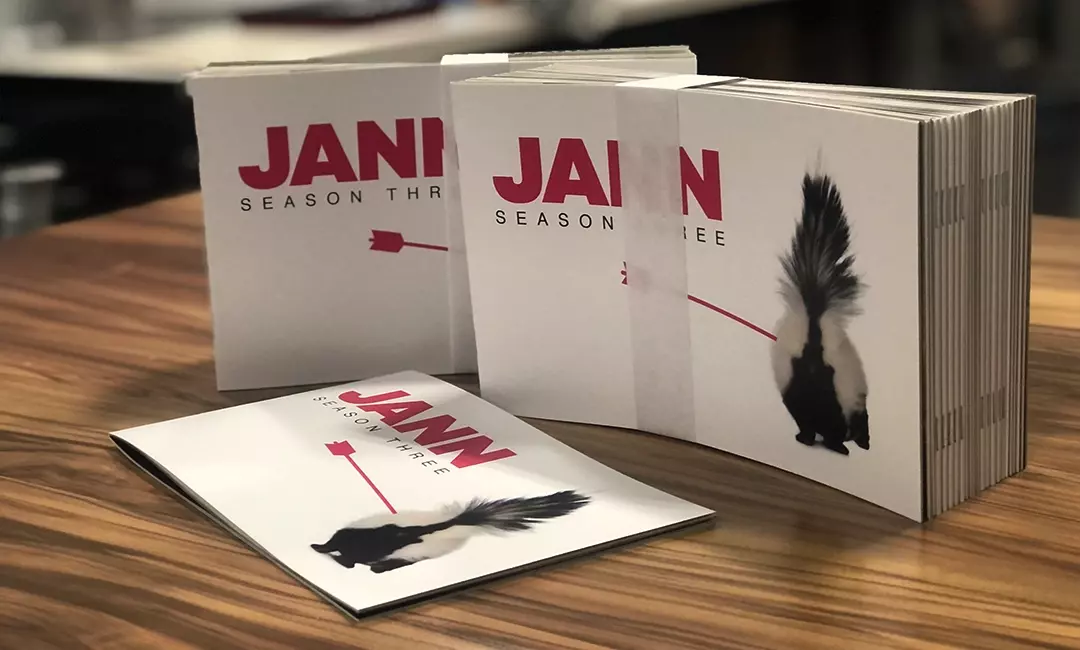
How to Design & Print Custom Documents Using Canva
Design reports, proposals, and other documents for your business—then format them for printing and send them to Little Rock for quick and high-quality results! Follow the steps in this guide to learn everything you’ll need to do and make the process as easy as possible.
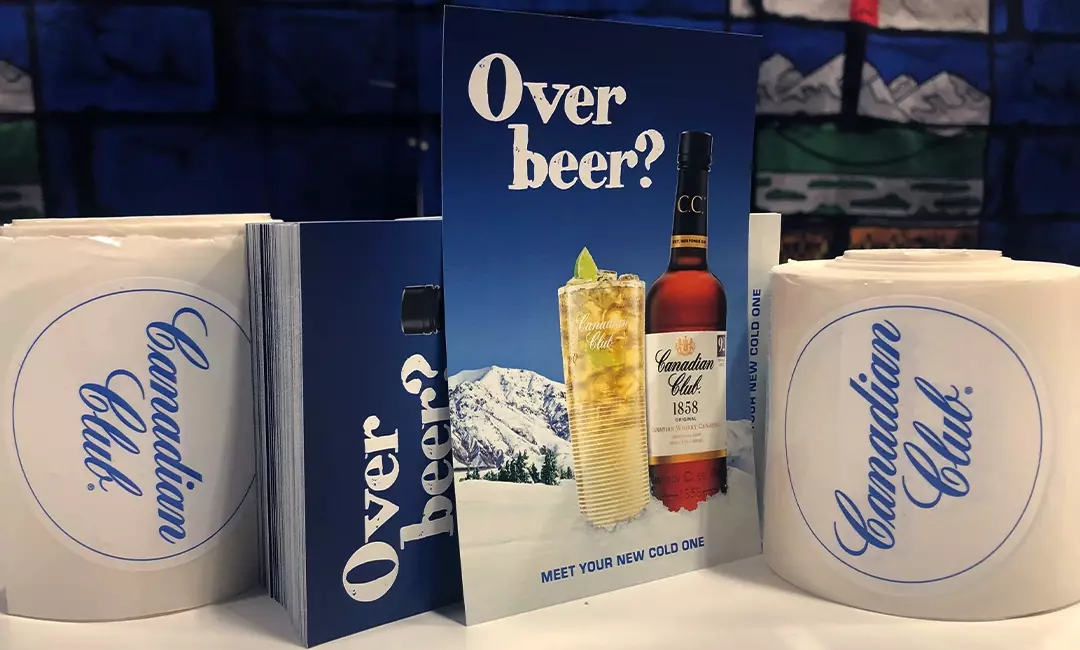
How to Design Custom Flyers Using Canva
Custom flyers are the perfect opportunity to put your best foot forward and capture potential customers’ attention while showcasing your brand. Here’s how to create custom flyers in Canva, with design considerations and best practices from the Little Rock Printing team.
Customer Stories
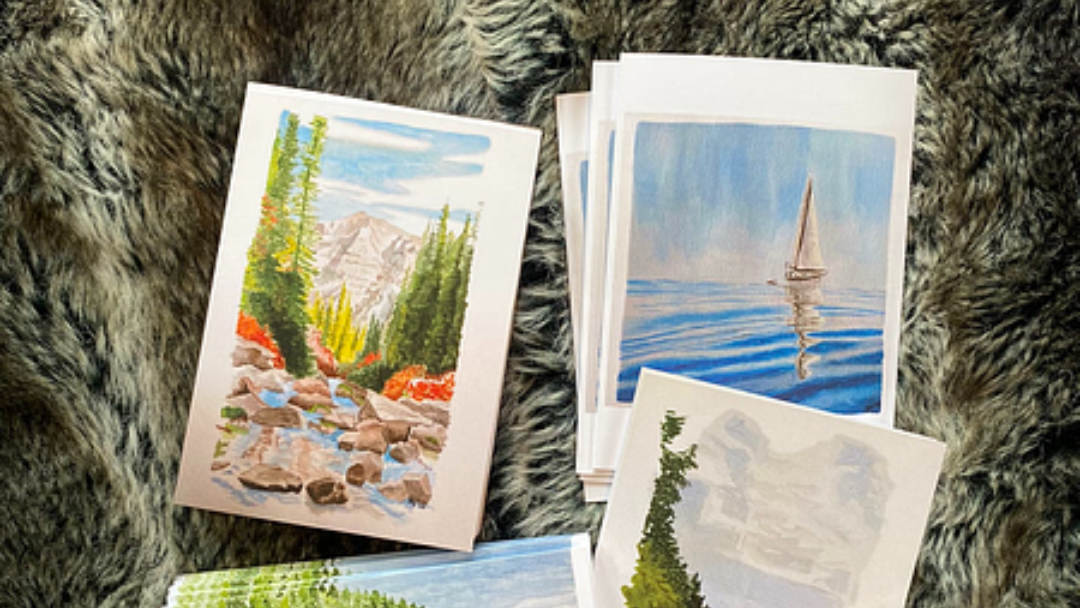
JKH Watercolour
Julie Heinrich started JKH Watercolour while living in an RV during COVID and looking for a productive outlet for her creativity. When two people wanted the same original painting, Little Rock prints gave her a way to share it more than once. That first order sold out within a month, and Julie now regularly turns her artwork into prints and greeting cards.
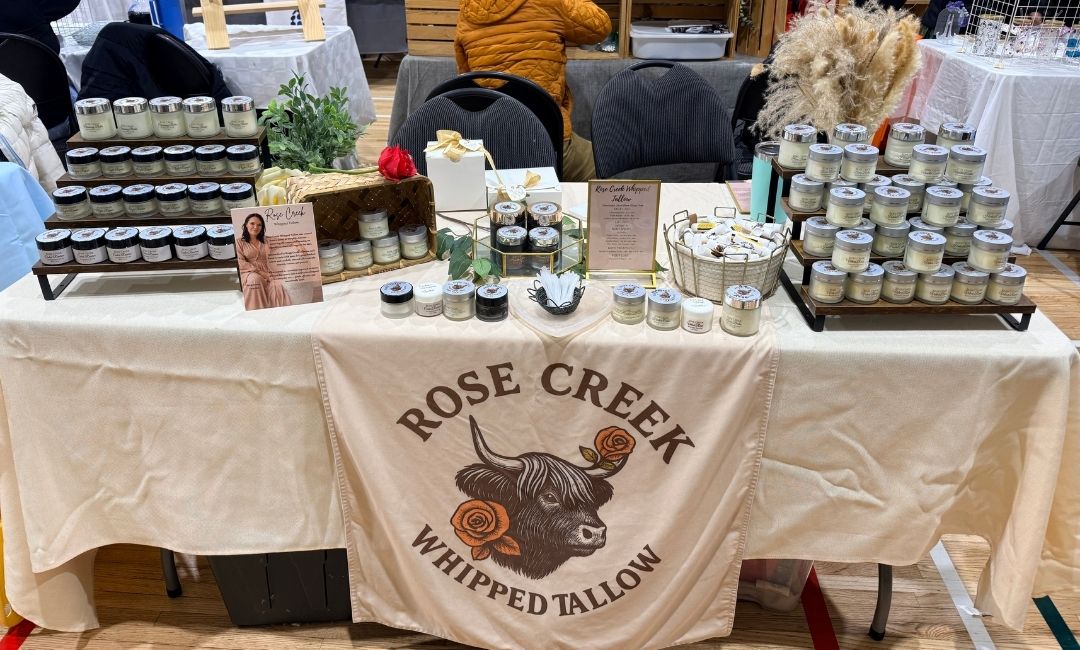
How to Design Info Cards That Sell for You
A stranger at a farmer’s or artisan’s market table might not know what tallow skincare is, what it does, or why it costs what it costs. That’s why Alice from Rose Creek Whipped Tallow created pricing and biography cards to answer both questions before she even has to say a word.
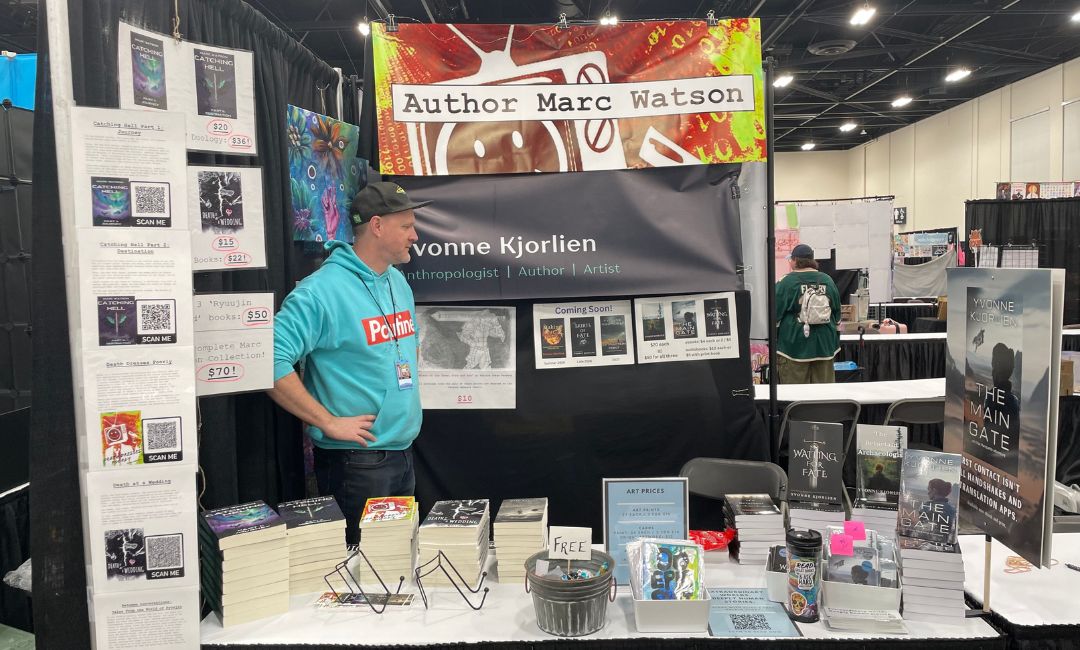
From Community Market to Calgary Expo: How One Author Built a Pro Booth (and How to Design Yours in Canva)
One Canva file. Five different print pieces. That’s how a Calgary author walked into the Calgary Expo with a booth that looked fully put together instead of thrown together the night before. Canva’s Magic Switch made her resize-and-export workflow for five different pieces seamless, and it works for any vendor building a market table or event booth from scratch.
Canva Tutorials
No Results Found
The page you requested could not be found. Try refining your search, or use the navigation above to locate the post.
Design Tips
No Results Found
The page you requested could not be found. Try refining your search, or use the navigation above to locate the post.
Our Company
No Results Found
The page you requested could not be found. Try refining your search, or use the navigation above to locate the post.