Summary
AI can give you good banner ideas, but only if your prompt includes the banner's size ratio, how far away people will read it, and a headline under six words. Otherwise, most tools return a crowded square image. Each banner job also needs the right material: 13oz scrim for most outdoor banners, 8oz fence mesh for fences, and Super Smooth for indoor stands. Rebuild the AI layout at full size with bleed and CMYK colour before ordering.
| Time to Read | ~7 minutes |
| What You’ll Learn | - What a banner prompt needs that other prompts don't - 8 prompts sized for real banner jobs - Which material fits each job - How to set up the file for print |
| Next Steps | - Copy the prompt closest to your job - Rebuild the best idea at full size - Order one free copy with FREEPROOF |
Ask AI for banner ideas with a generic prompt, and you'll usually get a square image packed with text that runs right to the edges. That won't work on a 6 ft banner over a storefront.
Give AI the banner's size ratio, how far away people will read it, and a short message, though, and you'll get a layout worth building.
Banners for a storefront, a fence, and a trade show booth each need different sizes, materials, and amounts of text, so each prompt covers one job. Prompts for Print Design has the full formula they're built on. When your design is ready, order it as one of Little Rock®'s custom banners.
What Every Banner Prompt Needs
The basic prompt formula still applies, but banners need a few extra details:
- The aspect ratio from the real size: A 6 x 3 ft banner is 2:1, and a 33.5" x 80" roll-up stand is about 2:5. Skip the ratio and most AI tools give you a square.
- Where it hangs and how far away people read it: "Across a parking lot" gets bigger type than "from a booth aisle."
- A word limit: Keep the headline under six words.
- Clear margins: Little Rock® recommends top and bottom margins of about 10% of the height, and side margins at least one letter wide.
- Room for grommets: Grommets sit about 1" from the edge, so keep text and logos well inside that.
- Logo and QR code placeholders: Ask for blank spaces, or AI will invent a logo of its own.
8 Banner Prompts You Can Copy
These AI image prompts work in ChatGPT and most other image tools. Swap in your details where you see brackets.
Grand Opening Banner for a Storefront
Announce a new location to people passing on the street.
Spec: 6 x 3 ft (2:1), 13oz scrim vinyl banner, hemmed edges, grommets every 2 ft.
"Design a flat horizontal outdoor banner at a 2:1 ratio for the grand opening of [business] in [city], readable from across the street. Headline: 'Now Open' in a heavy sans-serif. One supporting line: [offer]. Blank logo space at top left. Keep the top and bottom 10% empty. Two colours plus white, high contrast."
Fix before printing: AI often adds a fake storefront behind the design. Strip it back to the flat art.
Fence Mesh Banner for a Sports Field or Construction Site
Hang sponsor signs on a ball diamond fence or project signs on a site hoarding.
Spec: 96" x 36" (8:3), 8oz fence mesh, grommets every 2 ft.
"Design a flat horizontal banner at an 8:3 ratio for [business or project] on a chain-link fence, readable from [distance] away. Headline: [under 6 words]. Blank spaces for a logo and a phone number. Large solid shapes and thick lettering, with no thin lines or fine detail. Keep the edges empty."
Fix before printing: mesh is full of small holes, so thin lines and small text break up. Thicken anything delicate.
Roll-Up Trade Show Banner Stand
Give your booth a backdrop that reads from the aisle.
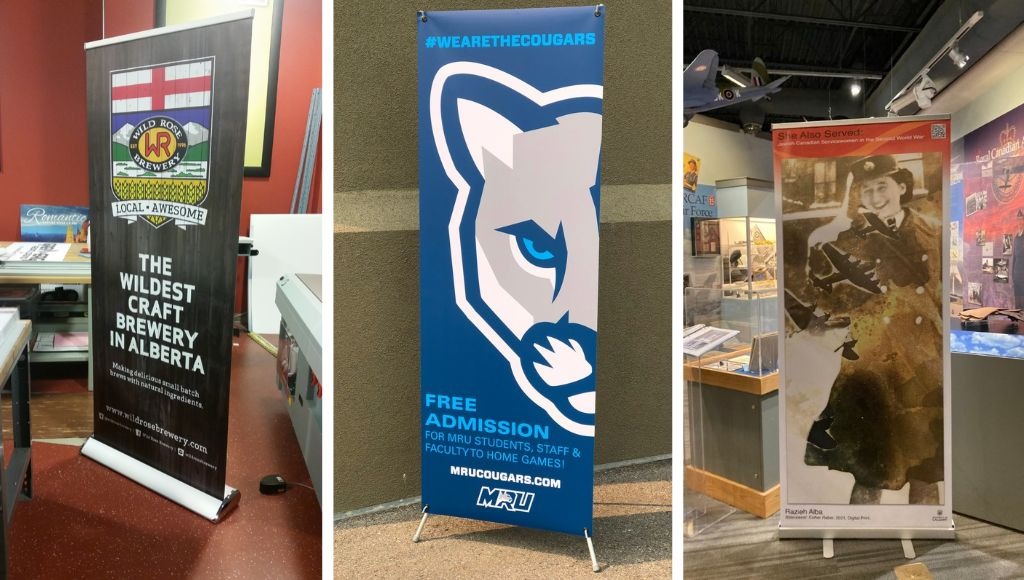
Spec: 33.5" x 80" (about 2:5), 12.5oz Super Smooth, indoor.
"Design a flat vertical trade show banner at a 2:5 ratio for [business], which sells to [audience]. Visitors read it from 3 to 10 ft away. Logo placeholder at the top, a headline under 6 words at eye level, and three short benefit lines. QR code placeholder in the lower third. One accent colour, no mockups."
Fix before printing: cut the benefit lines to the three your booth staff actually say. Designing Roll-Up Banner Stands in Canva covers the layout, and Boosting Your Trade Show Booth Display and Trade Show Print Stack cover the rest of the booth.
X-Banner for a Market Booth
Add a small-footprint sign beside a market table.
Spec: 23" x 63" (about 3:8), 12.5oz Super Smooth on an X-banner stand, indoor or sheltered.
"Design a flat vertical banner at a 3:8 ratio for [business] at an indoor farmers' market, readable from 5 ft away. Logo placeholder at the top, '[what you sell]' as the headline, and a price or 'Try a sample' line at table height. Keep all four corners clear. Warm style, two colours."
Fix before printing: move anything sitting in the corners, where grommets attach the banner to the frame.
Fundraiser Banner With Sponsor Logos
Thank sponsors at a charity run, golf tournament, or school event.
Spec: 8 x 4 ft (2:1), 13oz scrim, hemmed edges, grommets every 2 ft.
"Design a flat horizontal event banner at a 2:1 ratio for [event], a fundraiser for [cause] on [date]. Event name and date in the top half. The bottom half is an empty grid of [number] equal boxes labelled 'Sponsor logo.' Keep the top and bottom 10% empty."
Fix before printing: drop in each sponsor's vector logo and make sure the smallest one is still readable.
Wayfinding Banner for an Event
Point people to parking, registration, or the main stage.
Spec: 6 x 2 ft (3:1), 13oz scrim, grommets in the corners.
"Design a flat horizontal directional banner at a 3:1 ratio, readable from 100 ft away. One large arrow pointing [left or right] and the word '[Registration]' in heavy capitals. Nothing else. Dark text on a light background with wide empty margins."
Fix before printing: AI has a tendency to add icons and taglines. Delete everything except the arrow and the word.
Holiday Hours or Seasonal Sale Banner
Post holiday hours or a December sale outside your shop.
Spec: 4 x 2 ft (2:1), 13oz scrim, grommets in the corners.
"Design a flat horizontal storefront banner at a 2:1 ratio for [business]. Headline: 'Holiday Hours.' Below it, list [dates and hours] in two columns, large enough to read from the sidewalk. A subtle winter accent along one edge. Keep the top and bottom 10% empty."
Fix before printing: check every date and time, since AI often changes numbers. Order before Little Rock®'s holiday cut-off to have it up in time.
Large Outdoor Vinyl Banner With Wind Slits
Hang a long, exposed banner on an overpass, building, or arena.
Spec: 360" x 36" (10:1, the City of Calgary overpass spec), 13oz scrim, seamed edges, grommets every foot, wind slits.
"Design an extra-wide flat outdoor vinyl banner design at a 10:1 ratio for [event], read by drivers passing underneath. Headline of no more than 4 words, a logo placeholder at one end, and a short URL at the other. Huge type, solid background, no fine detail."
Fix before printing: wind slits are small half-moon cuts that let air through. Move any letters that land on one.
Matching Banner Material to Where It Hangs
The material changes what your prompt should ask for:
| Material | Best For | Prompts That Use It |
| 13oz scrim | Everyday outdoor banners | Grand opening, fundraiser, wayfinding, holiday, wind slits |
| 8oz fence mesh | Fences and windy spots | Fence mesh |
| 12.5oz Super Smooth | Indoor stands, since it doesn’t curl | Roll-up, X-banner |
For finishing, Little Rock® recommends hemmed edges outdoors, since they double the material at each grommet. You can also add seamed edges for durability, grommets every foot, every 2 ft, or in the corners, pole pockets, and wind slits for big, exposed banners.
Banner Sizes and File Setup
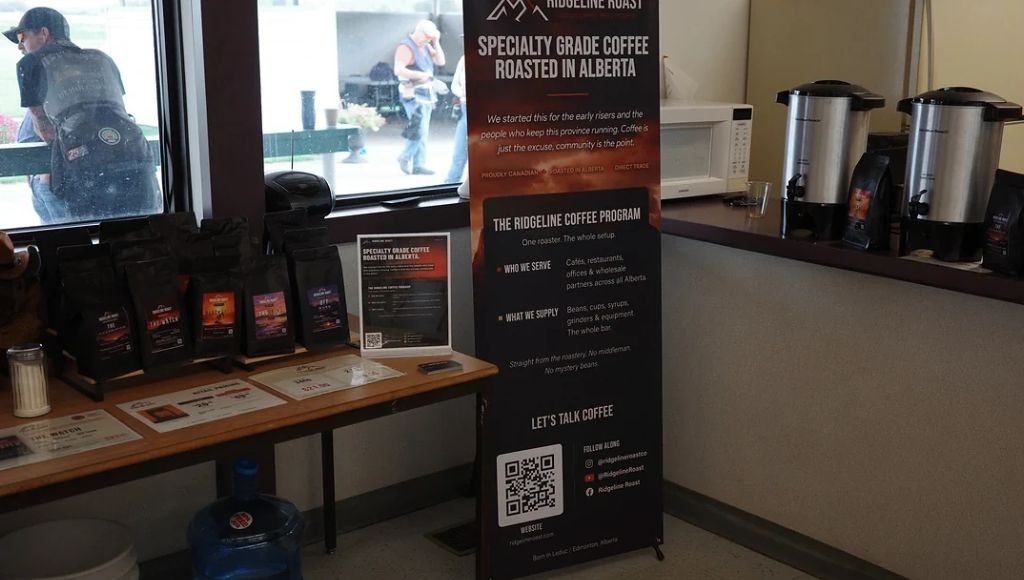
Little Rock® prints standard banners up to 110" wide and 48" high, and oversized banners up to 480" x 192".
AI images are made for screens, so they'd look blurry stretched across 6 ft. Use the AI result as a reference, then upscale it or rebuild it at full size in Canva. Designing Large Outdoor Banners in Canva walks you through the setup. Before you upload, check that your file is:
✔️ A high-resolution PDF at full banner size
✔️ Set up with ⅛" bleed on every side
✔️ Saved with all fonts outlined
✔️ In CMYK colour, or Spot PMS for Pantone matches
Banner Design Rules AI Ignores
Even good prompts can produce these banner design mistakes, so always double-check your chosen AI’s output before printing your banner.
- Text near the edges: move it inside the 10% margins and clear of the grommets.
- Too many words: cut back to a headline, one supporting line, and a call to action.
- Low contrast: pale text on a busy photo disappears from a distance, so put a solid colour behind it.
- Tiny logos: a logo that looks fine on screen shrinks to a smudge from 50 ft. Make it bigger.
- RGB colour: convert to CMYK before ordering to avoid colour shifts.
AI and the Future of Graphic Design covers where else AI falls short.
How Backspin Prints Used Banners at a Trade Show
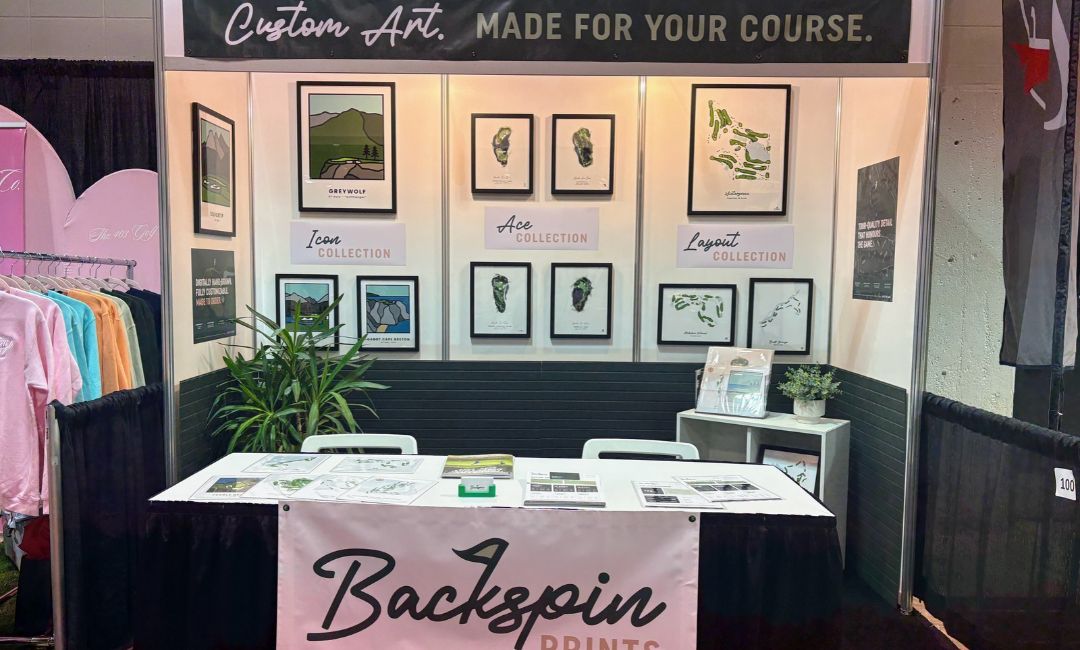
Kent Wigington of Backspin Prints printed matching banners, posters, and golf course art prints with Little Rock® for his first PGA of Alberta Buying Show. "I received lots of positive comments on my artwork as well as on my booth's branding and overall look," he said. Read the Backspin Prints story.
Order Your Banner With a Free Proof
Once your file is ready, order your banner and use FREEPROOF for one free copy, with pickup in Calgary or delivery anywhere in Canada. For help choosing a material, contact Little Rock®, or start from a free Canva banner template.
Frequently Asked Questions About Banner Design
Can AI design a banner I can print?
AI can give you the layout and look, but not a full-size file with bleed and CMYK colour. Rebuild the design in Canva or another design tool before you order.
What is a standard banner size?
Common sizes include 6 x 3 ft and 8 x 4 ft. Little Rock® prints standard banners up to 110" x 48" and oversized banners up to 480" x 192".
What resolution does a banner file need?
Set up your banner file at 300 DPI at full size, which is the same standard Little Rock® recommends for other large-format prints. That keeps edges and text sharp, even up close. Printing Large-Format Graphics Without Losing Image Quality has more on resolution.
Which banner material should I use outside?
Use 13oz scrim for most outdoor banners. For fences or windy spots, choose 8oz fence mesh so air can pass through.
Are AI banner generators worth using?
An AI banner generator is handy for quick ideas. Check that the result uses your banner's ratio, has short text, and keeps everything away from the edges.
How many words should a banner have?
As few as possible. A headline, one supporting line, and a call to action are usually enough. You want them to be readable from a distance. The more words on the banner, the smaller they'll have to be to fit, which will ultimately make them harder to read.
Can I order one banner to test the design?
Yes. Little Rock® has no minimums, and the code FREEPROOF gets you one free copy.