
Articles About How-To
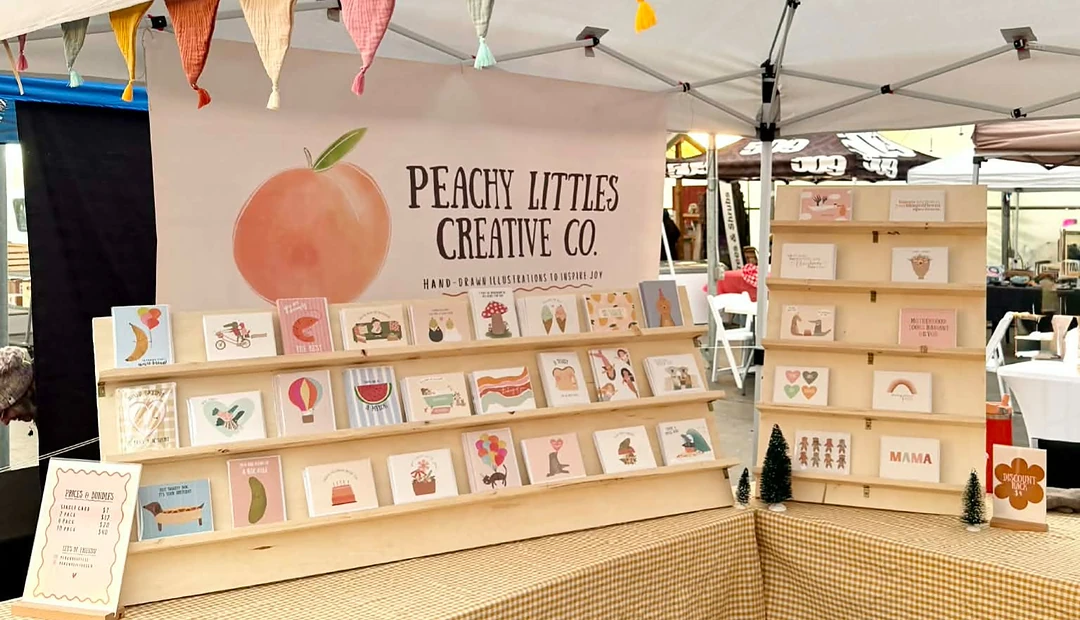
Peachy Littles
What started as a creative hobby during COVID has grown into Peachy Littles, with Katie’s greeting cards now sold in stores across BC and Alberta, at markets and online. Little Rock helps bring her digital artwork to life with high-quality printing, fast turnaround and a process that makes creating new products easy.
Latest posts about How-To
The CMYK colour model is super important for print products. The Little Rock Printing team breaks down everything you need to know about print ink colours and what CMYK means.

A postcard is a great way to market your company through a direct mail campaign or as a handout to clients and customers. Check out our guide on the different postcard sizes that fit Canada’s post requirements, with design and cost considerations from the Little Rock ...
There are many differences between a decal and a sticker, including where and how to use them. Check out our guide to determine which adhesive graphic type is best for your marketing project.

The difference between die-cut and kiss-cut stickers comes down to how they’re used. Die-cut stickers create bold, individual branding pieces that stand out on laptops, water bottles, and merch. Kiss-cut stickers make application easier and allow multiple designs on o...

Converting a raster image into vector is the best way to ensure your designs retain sharpness, no matter the size or product type. The Little Rock Printing team shows you how to convert your images, why it’s important, and how to troubleshoot any issues during convers...
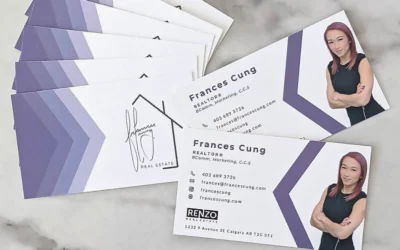
Business cards are a great networking tool to give to potential clients or customers. Here’s a breakdown of the important information to include on your business cards, with design considerations from the Little Rock Printing team.