
Articles About How-To
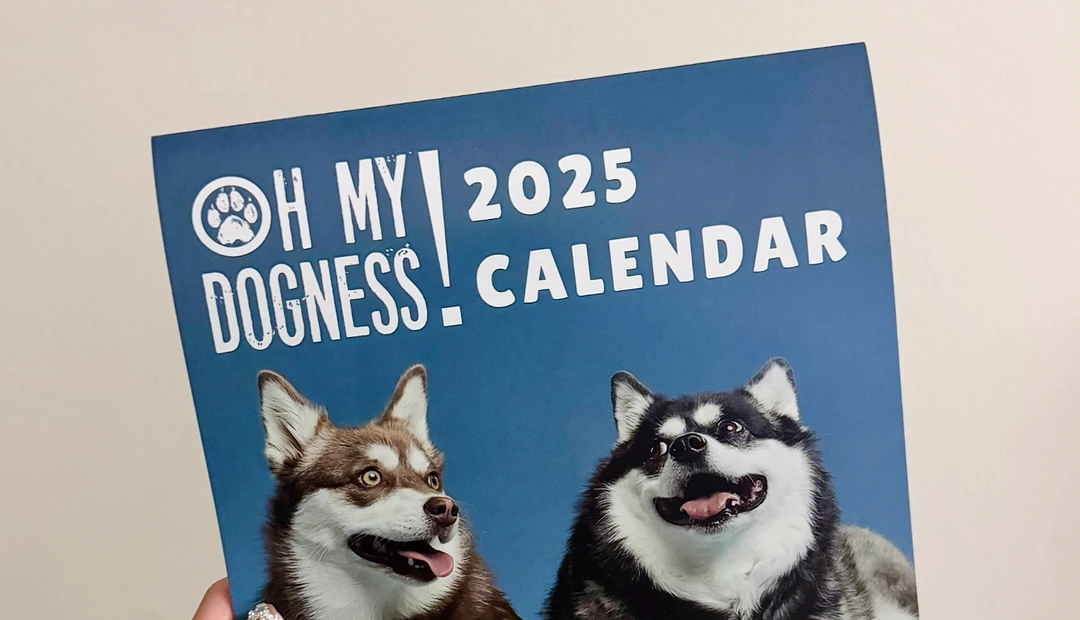
Oh My Dogness
Founded in 2021, Oh My Dogness creates healthy dog treats inspired by the founders’ own pup, Kali. Little Rock Printing helps the small business connect with its customers through durable, removable labels, custom stickers and calendars. From creative label reuse to calendars supporting Dog Tales Rescue and Sanctuary, these printed products have helped Oh My Dogness build lasting customer relationships while giving back to the animal rescue community.
Latest posts about How-To

Stickers can be super effective in the right atmosphere. The Little Rock Printing team breaks down the most common sizes, best uses for each sticker size and other considerations for this versatile marketing tool.

Stickers are versatile and cost-effective marketing tools. This list of 100 sticker ideas from Little Rock Printing shows you how to use them for maximum brand visibility in restaurants, gyms, music venues, office spaces, and tons of other everyday locations.
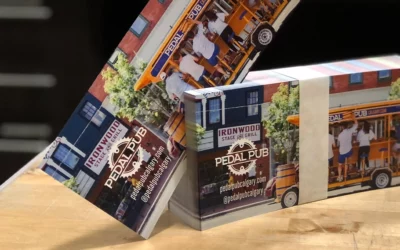
Want to boost your customer engagement and return on investment with your direct mail campaigns? Our experts at Little Rock Printing explain how variable data printing can help your business.

Your wedding invitation helps set the tone for your big day to your wedding guests. The Little Rock Printing team offers 10 customizable wedding invitation templates that you can personalize in Canva before submitting them for high-quality printing.
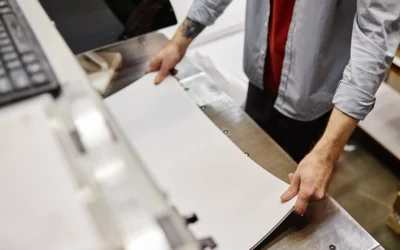
There are many pros and cons between bulk offset printing and on-demand digital printing. The Little Rock Printing team breaks down the differences so that you can maximize your budget for your next print project.

Stickers are a great marketing tool that can be used for indoor and outdoor applications. The Little Rock Printing team breaks down the differences between each sticker material type and when to use them.